
At a glance…
Art Installation // Audio Reactive Projection
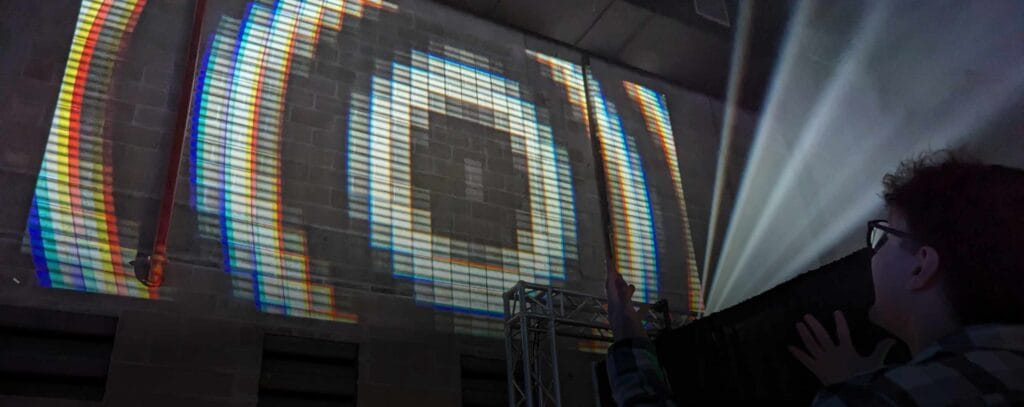
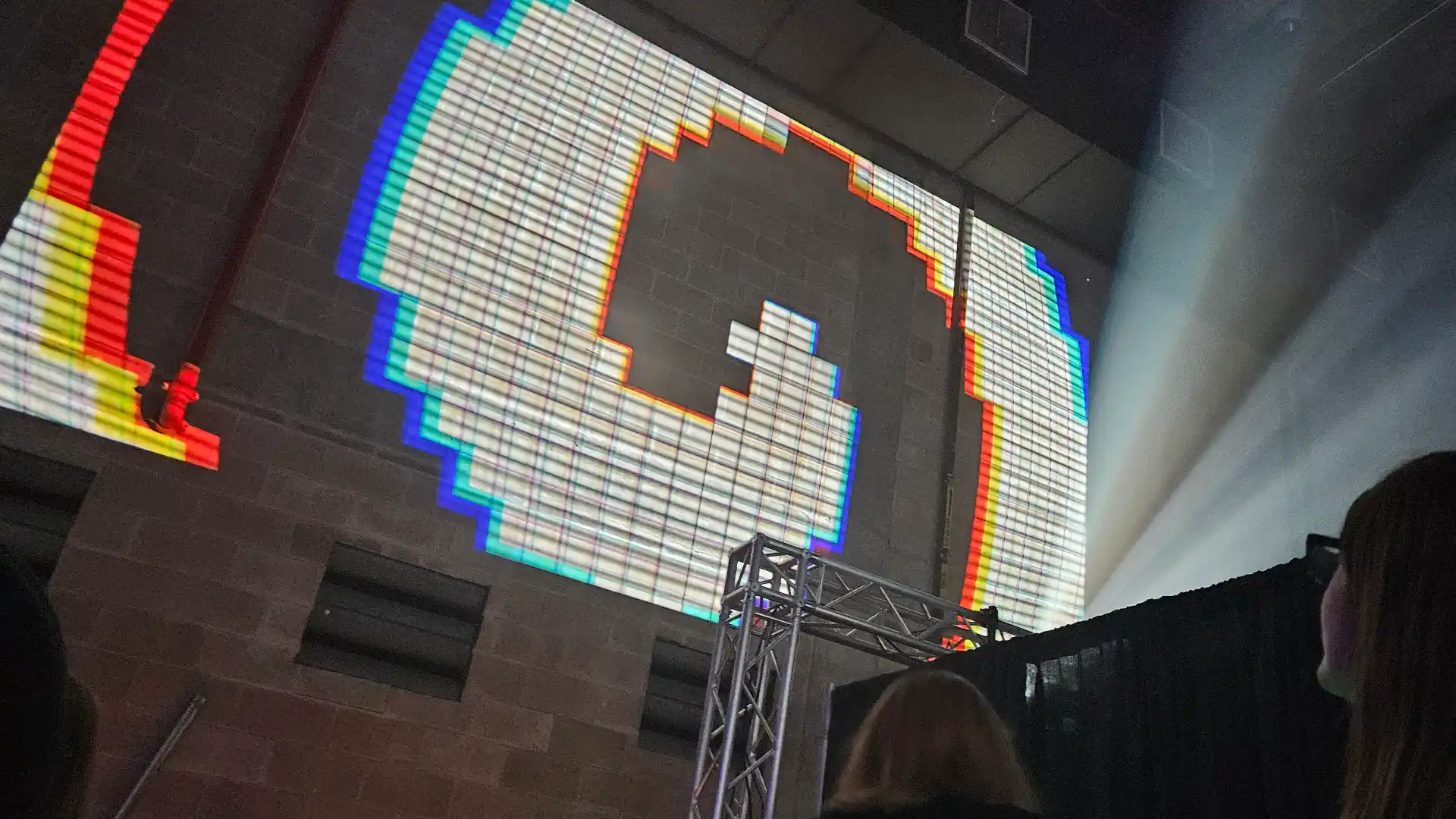
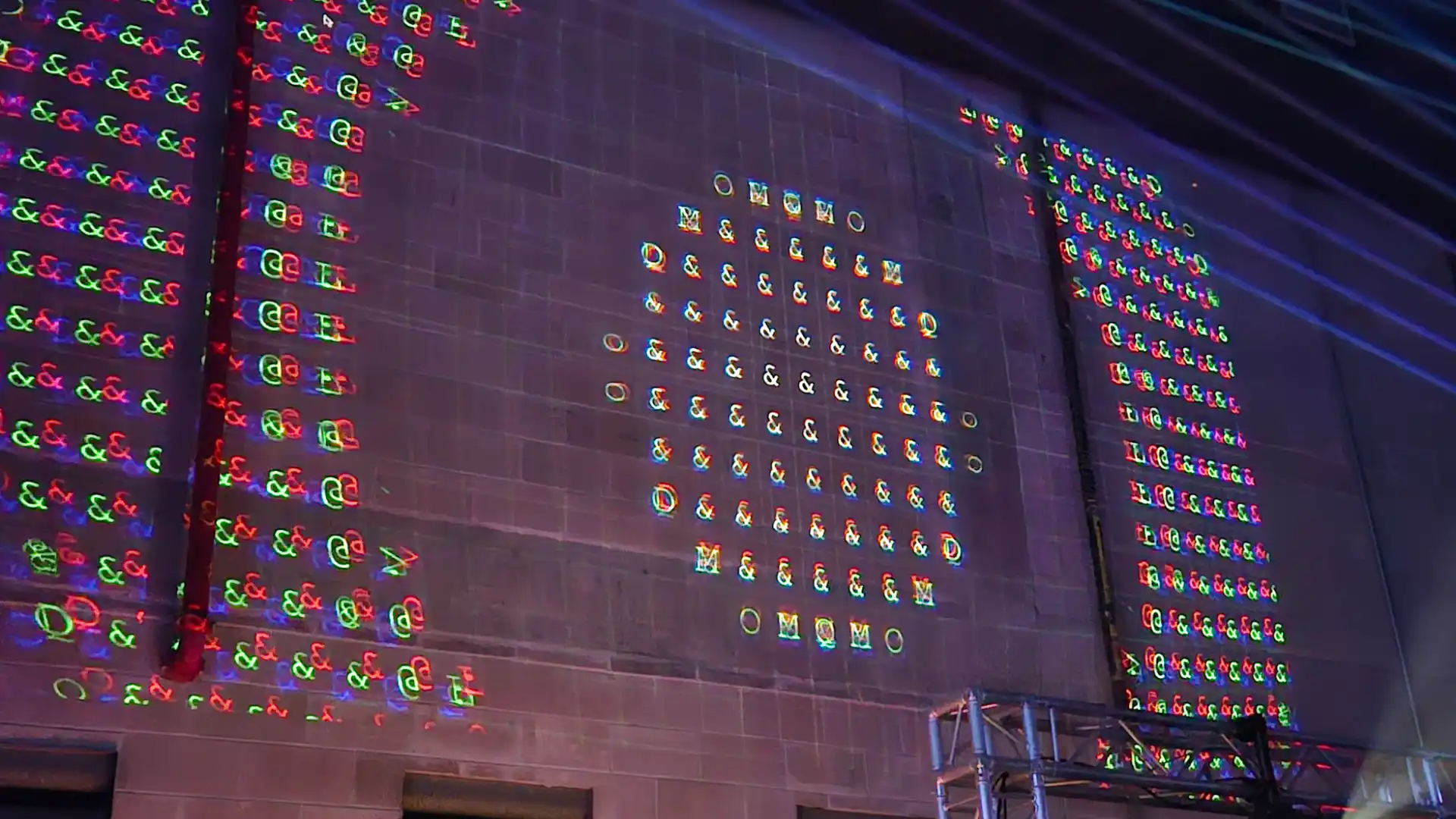
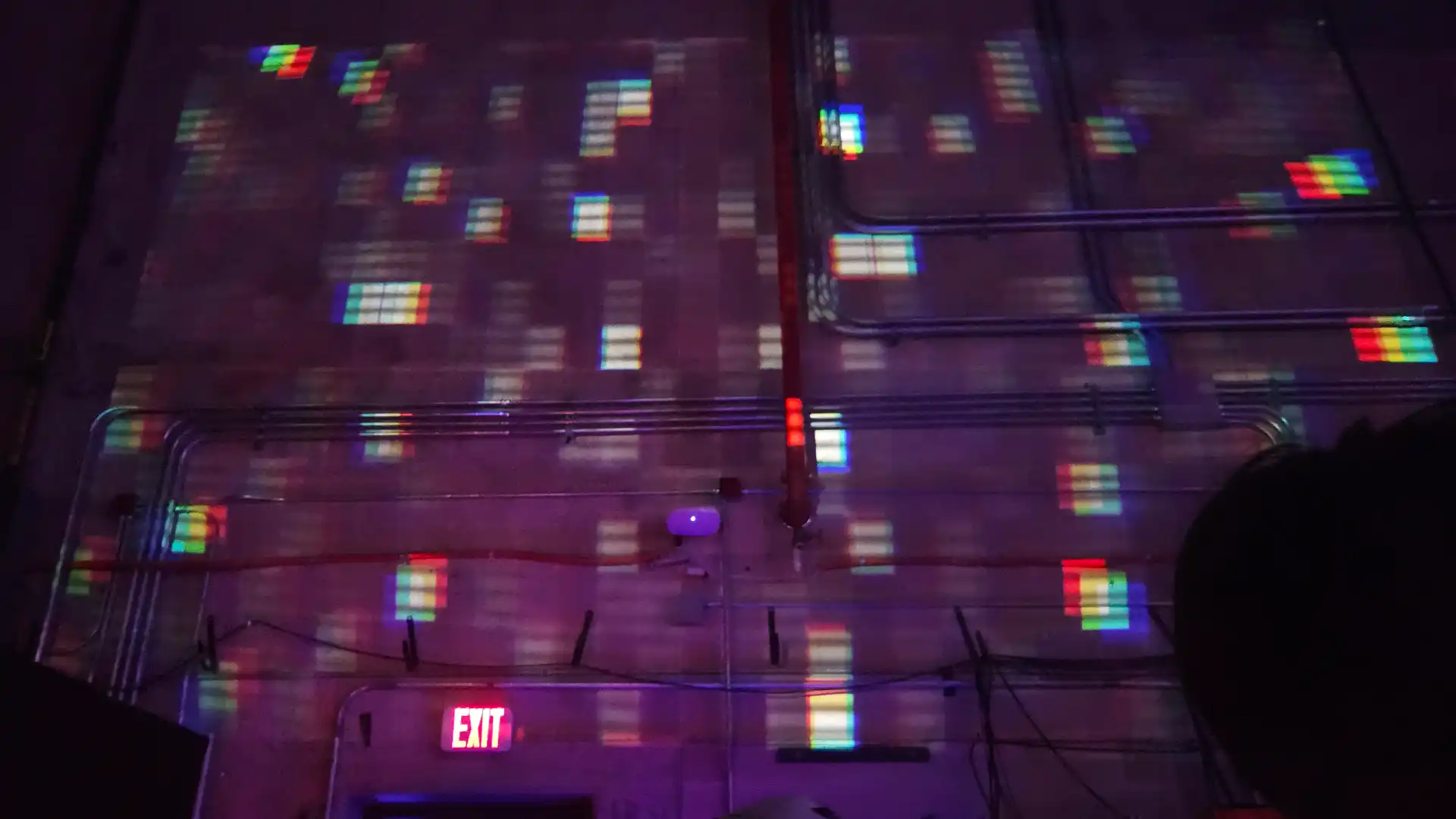
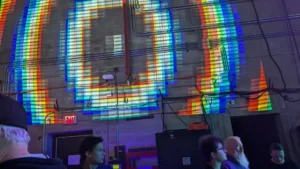
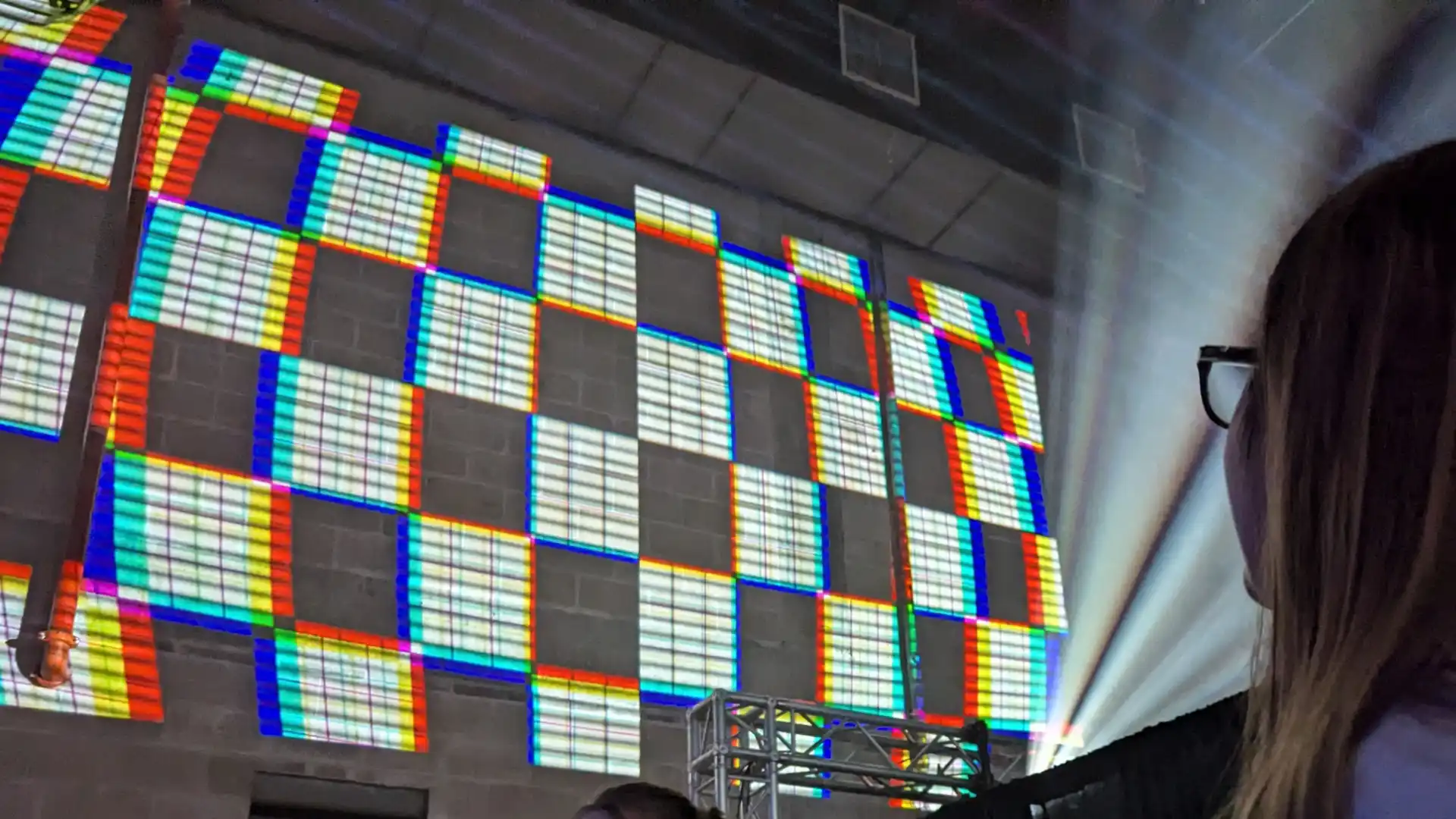
An interactive visualizer developed for AETs Audio Pixel Collider 2024. Converts real-time FFT audio data into generative visuals, simultaneously projected across two different walls.
Role
Solo Project
Tools & Tech
p5.js
Javascript
Sound
Projection
GLSL
Timeline
4 Weeks (Fall 2024)
Goals & Constraints…
Key Constraints
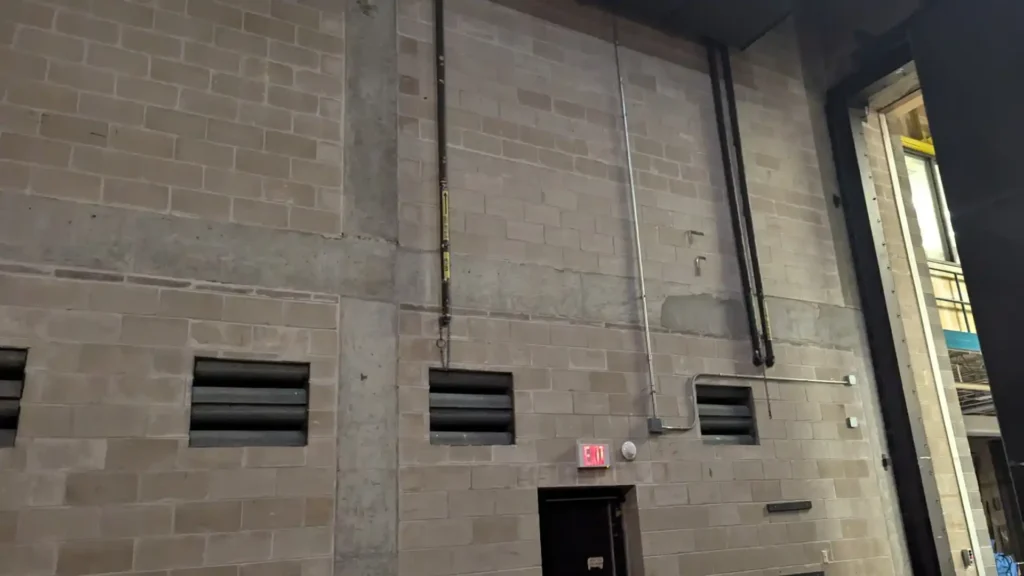
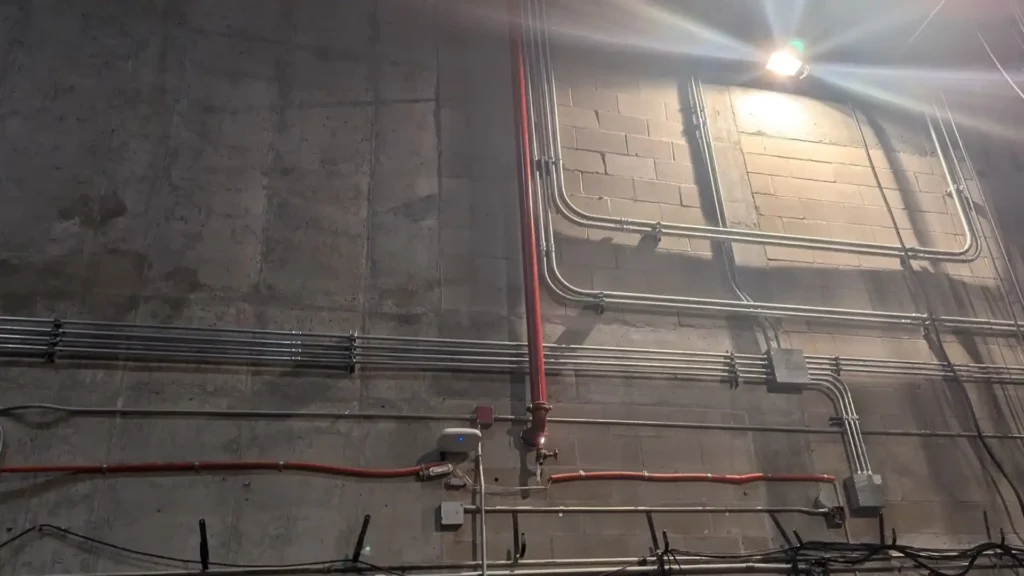
Unideal Space
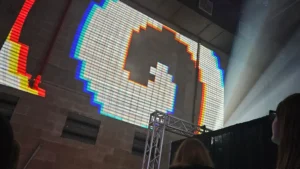
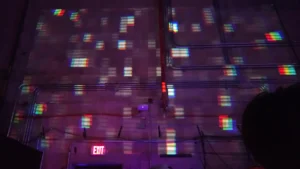
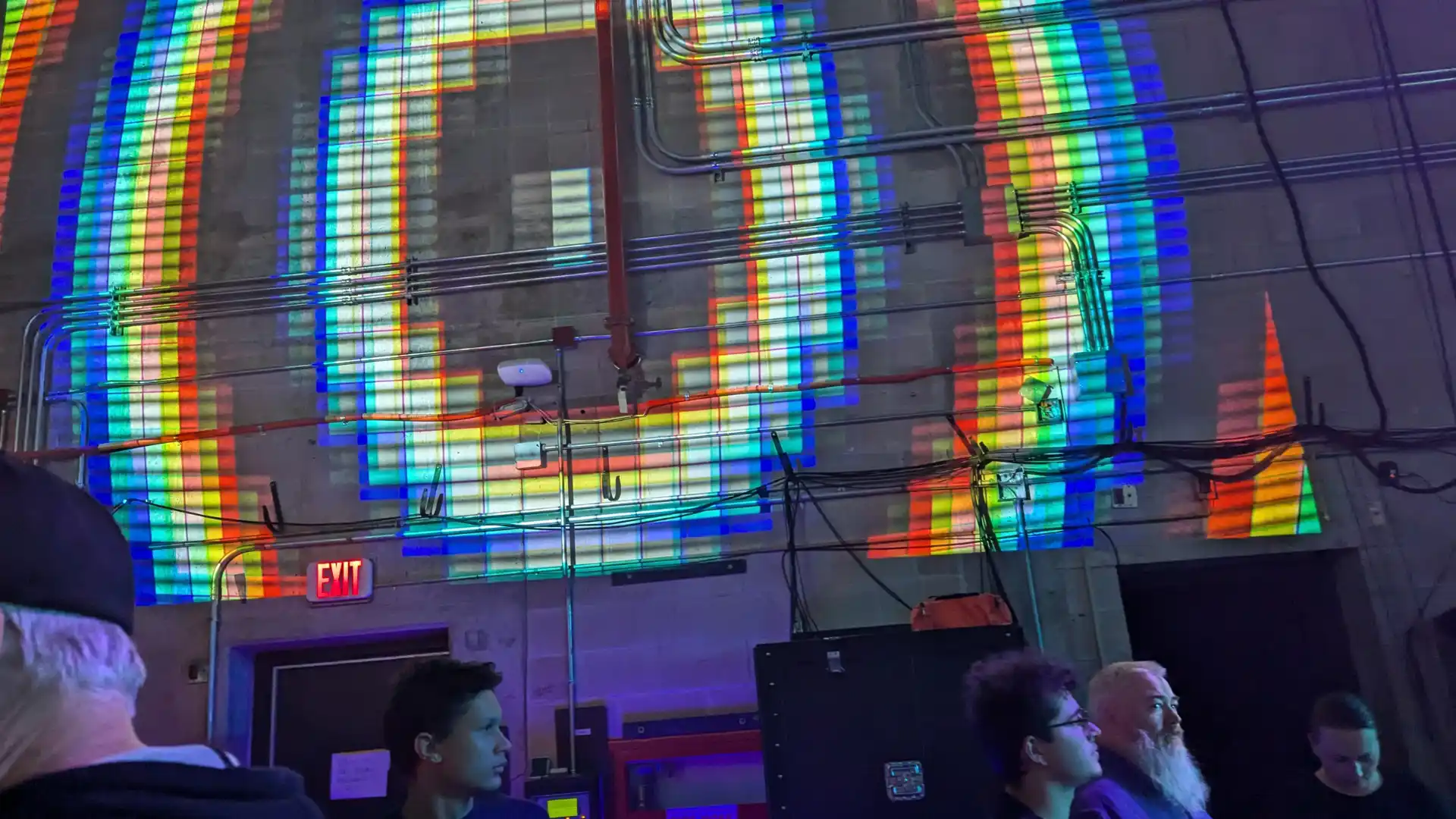
The projection spaces provided were broken up by pipes and conduit. The brick and concrete were inconsistently textured, and light in color.
Unpredictable Soundscape
The audio (and surrounding visuals) was being developed separately, and I did not have access to the audio while creating the installation.
Limited Site Access
I had very limited time, less than an hour, to test the installation on the actual hardware and projectors being used for the event.
Pictures of the space being used before production…
Design & Technical Breakdown…
Visual Identity
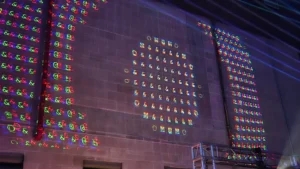
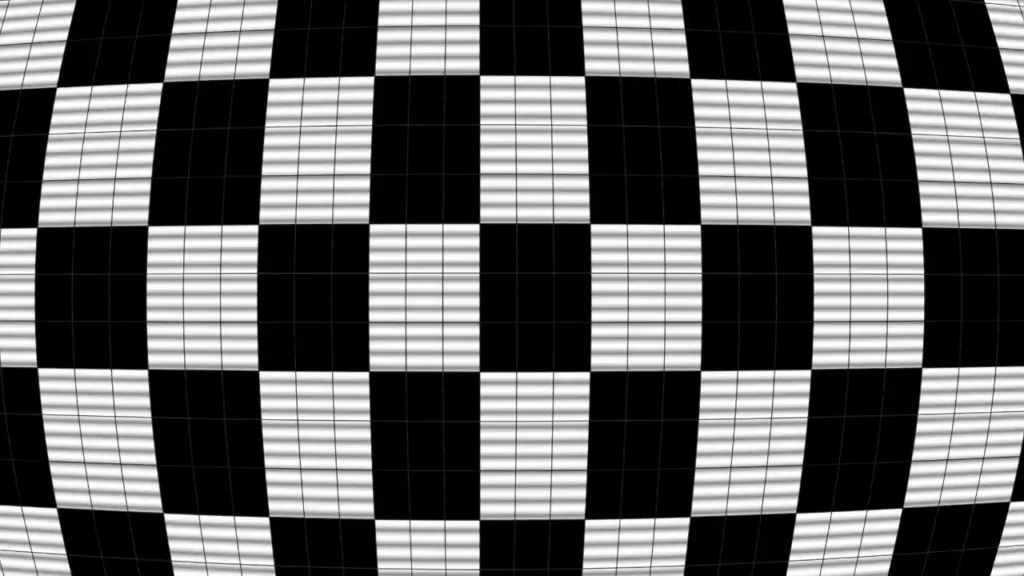
Because of the nature of the projection space, I opted for high contrast, grid-based visuals. The high contrast (black and white) would help preserve the visuals, even as the projection wrapped around conduit on the wall. Making the display grid-based, helped it blend into the brick backdrop.
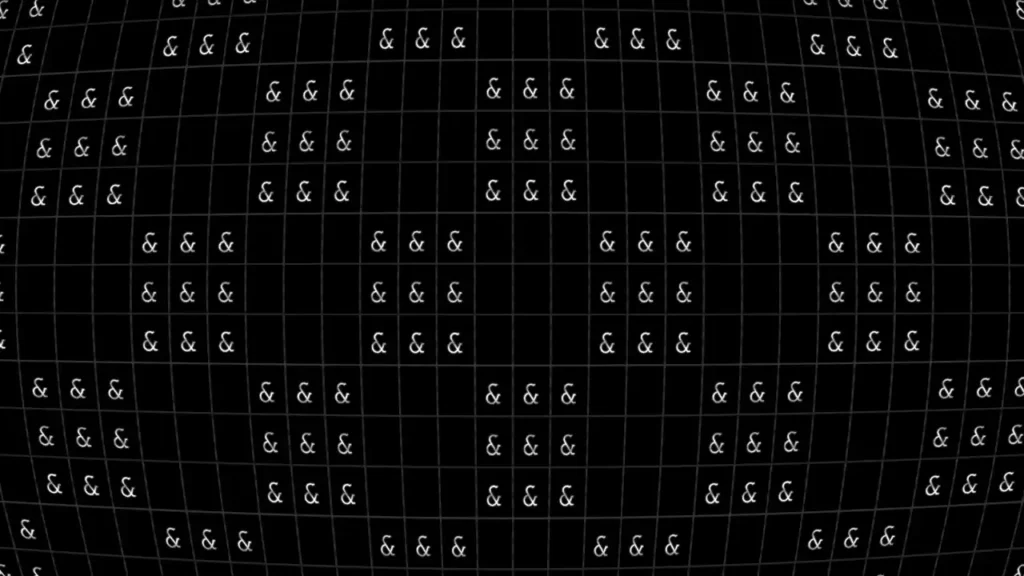
This direction allowed me to lean into a retro-esque console aesthetic. I mapped each grid cell to an ASCII character based on the cell’s brightness.
//helper function to map a value 0-1 to an ascii character.
function valueToCharacter(value) {
  const characterMap = " `.-':_,^=;><+!rc*/z?sLTv)J7(|Fi{C}fI31tlu[neoZ5Yxjya]2ESwqkP6h9d4VpOGbUAKXHm8RD#$Bg0MNWQ%&@";
  value = Math.max(0, Math.min(value, 1));
  let index = Math.floor(value * (characterMap.length - 1));
  return characterMap[index];
}
Shader Implementation
To further lean into the console aesthetic, I used a shader that distorted the UV coordinates, simulating the curvature of an old CRT, to an exaggerated effect. Scanlines are also implemented, based on a sin wave displaced by a multiple of elapsed time. This sin wave is used as a multiplier for the final output color. Finally, the shader implements an adjustable chromatic aberration, translating the red and blue channels of the final output color. I tie the aberration’s displacement to a live microphone feed outside the shader.
GLSL Shader Code
precision highp float;

uniform float sepAmt;
uniform sampler2D tex0;
uniform vec2 texelSize;
uniform float scanlineCount;
uniform float TIME;
const float PI = 3.14159;
varying vec2 vTexCoord;

vec2 zoom(vec2 coord, float amount) {
  vec2 relativeToCenter = coord - 0.5;
  relativeToCenter /= amount;
  return relativeToCenter + 0.5;
}

vec2 uv_curve(vec2 uv) {
  uv = (uv - 0.5) * 2.0;
	uv.x *= 1.0 + pow(abs(uv.y) / 3.0, 2.0);
	uv.y *= 1.0 + pow(abs(uv.x) / 3.0, 2.0);
  uv /= 1.2;
  uv = (uv/2.0) + 0.5;
  return uv;
}

vec2 zoom(vec2 uv) {
  return uv;
}

void main() {
  float r = texture2D(tex0, uv_curve(zoom(vTexCoord, 1.0000))).r;
  float g = texture2D(tex0, uv_curve(zoom(vTexCoord, 1.0000 + sepAmt))).g;
  float b = texture2D(tex0, uv_curve(zoom(vTexCoord, 1.0000 + sepAmt*2.0))).b;
  float s = sin((uv_curve(vTexCoord).y * scanlineCount * PI * 2.0) + TIME*-5.0);
  s = (s * 0.5 + 0.5) * 0.9 + 0.1;
  vec4 scan_line = vec4(vec3(pow(s, 0.25)), 1.0);
  gl_FragColor = vec4(r, g, b, 1.0) * scan_line;
}
Procedural Animations
Now, with a grid of values that can be displayed either as grayscale or as ASCII characters, I still needed to make the display visually interesting. One avenue I considered was externally creating a pre-baked animation to play on loop. I instead, however, opted to create a set of (albeit simpler) procedural animations. I used a system resembling a state-machine to switch between various animations. The animations could be played in an automatic loop, or they could manually directed via keyboard input.
Examples of procedural animations used…
Ripple Animation
Code
case "ripple":
    let distance = dist(cell.x, cell.y, characterGrid.canvasWidth / 2, characterGrid.canvasHeight / 2);
    let wave = sin(distance - frameCount / 10);
    wave = map(wave, -1, 1, 0, 1);
    wave = Math.pow(wave, 2);
    return wave;

Rain Animation
Code
case "rain":
  if (random() > 0.9 && cell.y == 0) {
    return 1;
  } else {
    if (random() > 0.7) {
      return characterGrid.getVal(cell.x, cell.y-1) * 0.85;
    } else {
      return cell.value;
    }
  }

Spiral Animation
Code
case "spiral":
  let angle = atan2(cell.y - characterGrid.canvasHeight / 2, cell.x - characterGrid.canvasWidth / 2);
  let radius = dist(cell.x, cell.y, characterGrid.canvasWidth / 2, characterGrid.canvasHeight / 2);
  return sin(radius / 2 - frameCount / 10 + angle) > 0 ? 1 : 0;
Gallery & Results…
Leave a Reply