
At a glance…
3D Arcade Game & Controller
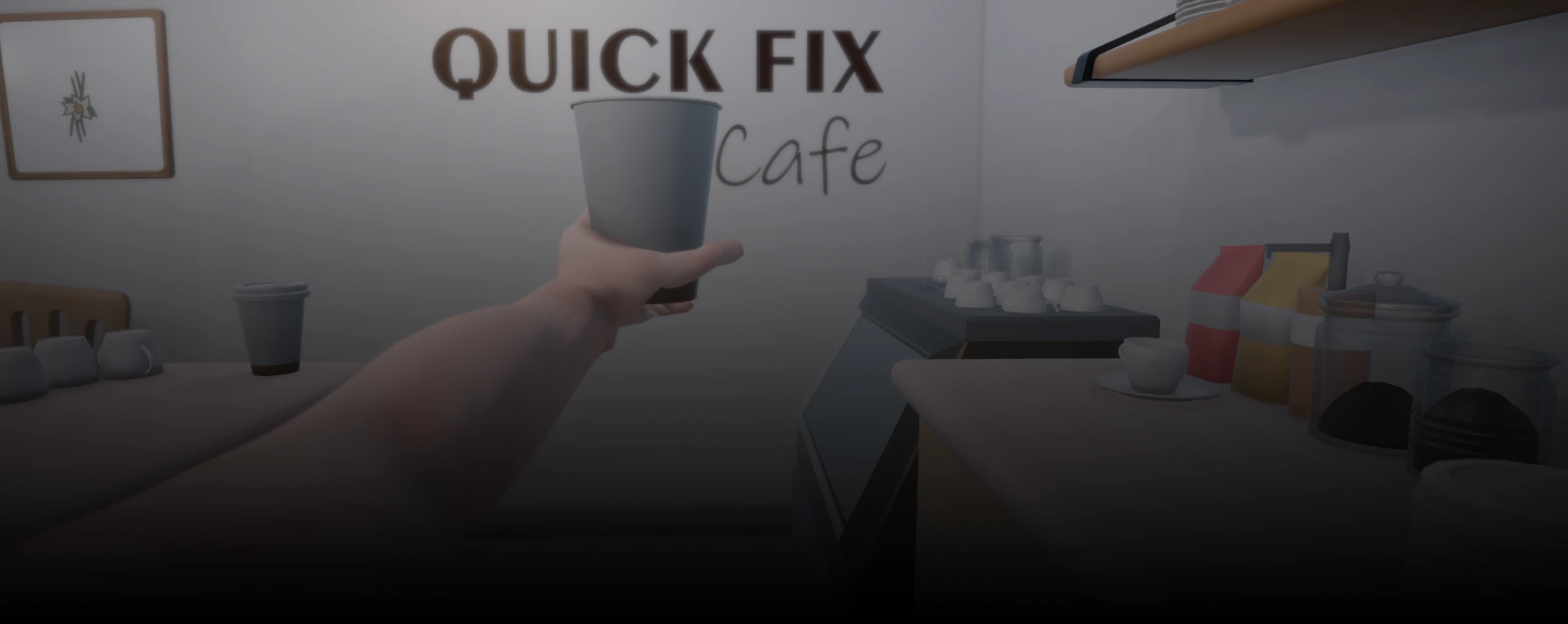
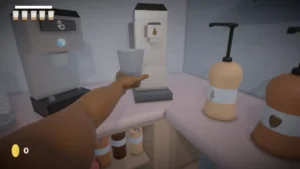
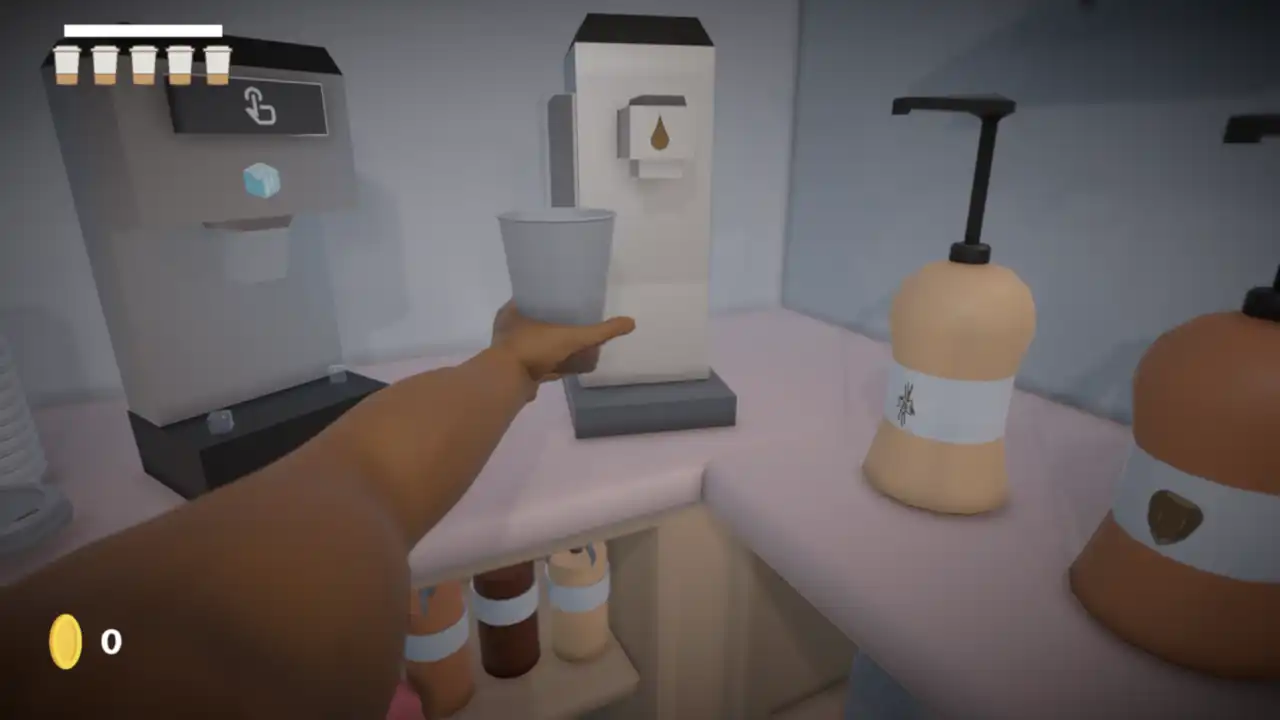
A fast-paced, alternatively-controlled, arcade game themed around playing as an alien barista. Made to be played with a custom-fabricated controller and submitted to ALT CTRL GDC 2025.
Role
Developer & Technical Artist
Tools & Tech
Unity
Blender
C#
Arduino
Shadergraph
Timeline
12 Weeks (Fall 2024)
Goals & Constraints…
Key Constraints
Time-frame
The end goal of the project was to submit to Alt-Ctrl GDC, which gave us a very tight window for ideation, prototyping, testing, and development.
Custom Controller
While we often used traditional control schemes while developing the game, we needed to create a custom solution by the end.
Small Team
We were a small team with specialized skills, so we often had to stretch outside our comfort zones to cover skill gaps and produce a polished product.
Design & Technical Breakdown…
Paper Prototyping
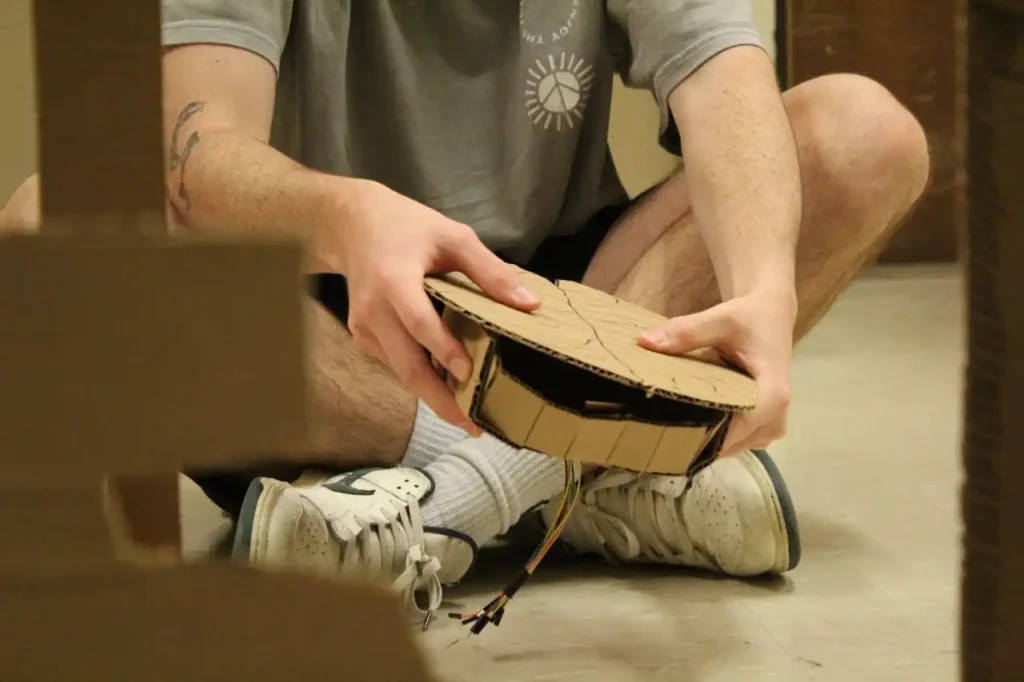
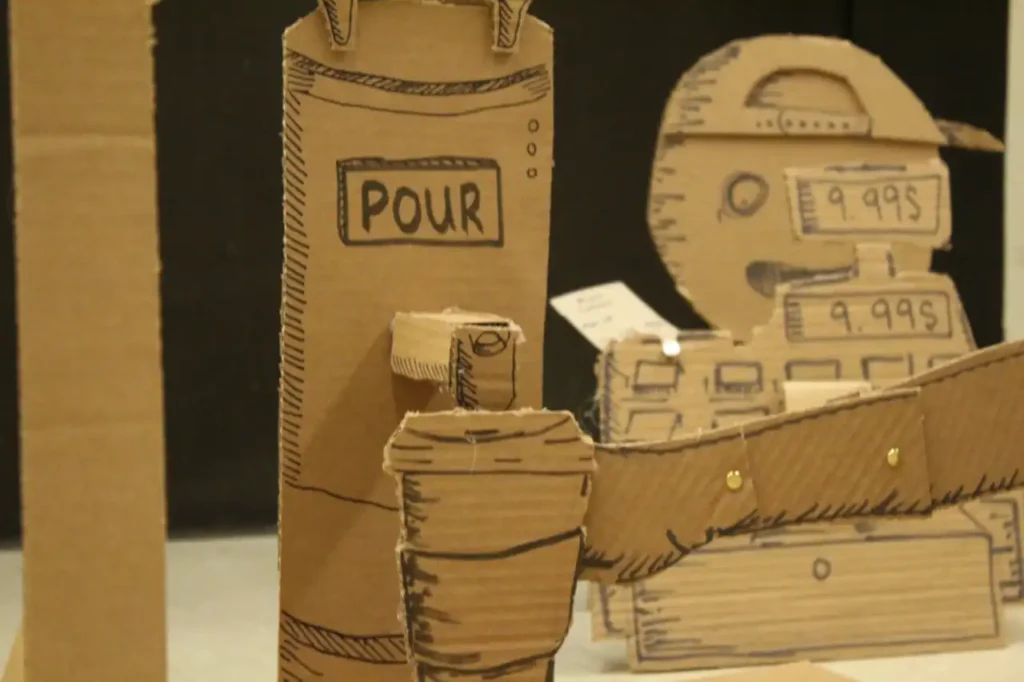
Before our team could begin development, we had to create a strong idea that we could rally behind. We spent a lot of time experimenting with game systems and tactility using nothing but cardboard cutouts. This allowed us to quickly iterate and try different ideas without spending too much of our time.
Pictures from our cardboard prototyping process…
Our Idea
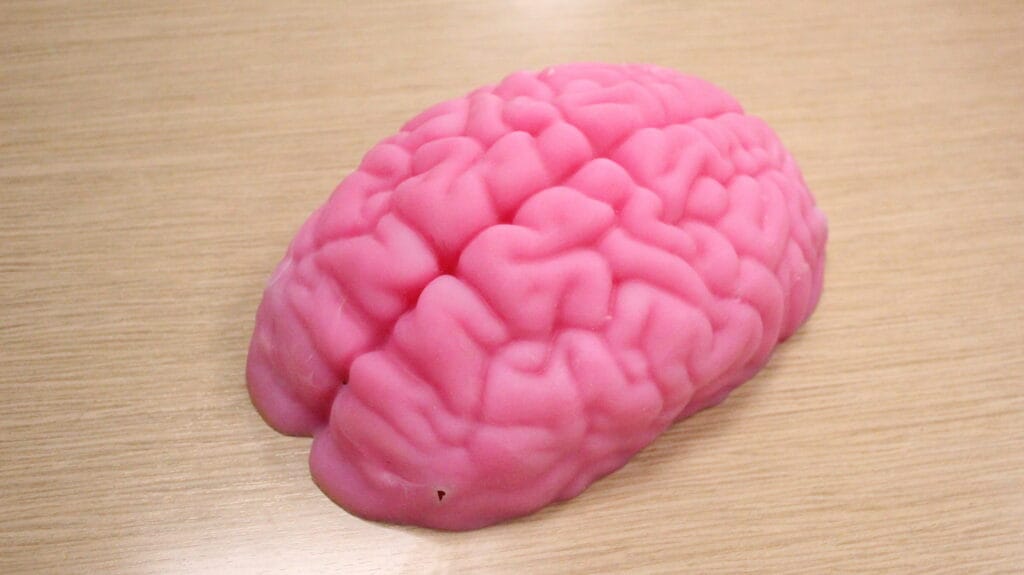
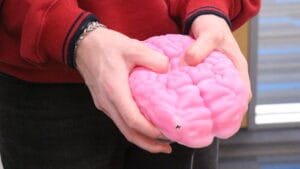
Inspired by restaurant management games like Overcooked and the Papa’s series, as well as physics controlled games like I am Bread or Getting Over It, we created the concept of a wacky physics based barista simulator. The controller would be a motion sensitive brain that you tilted around, poked, and prodded to control your arm and fulfill coffee orders.
The Controller
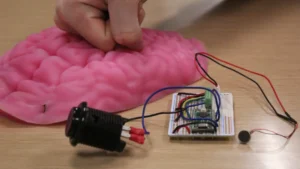
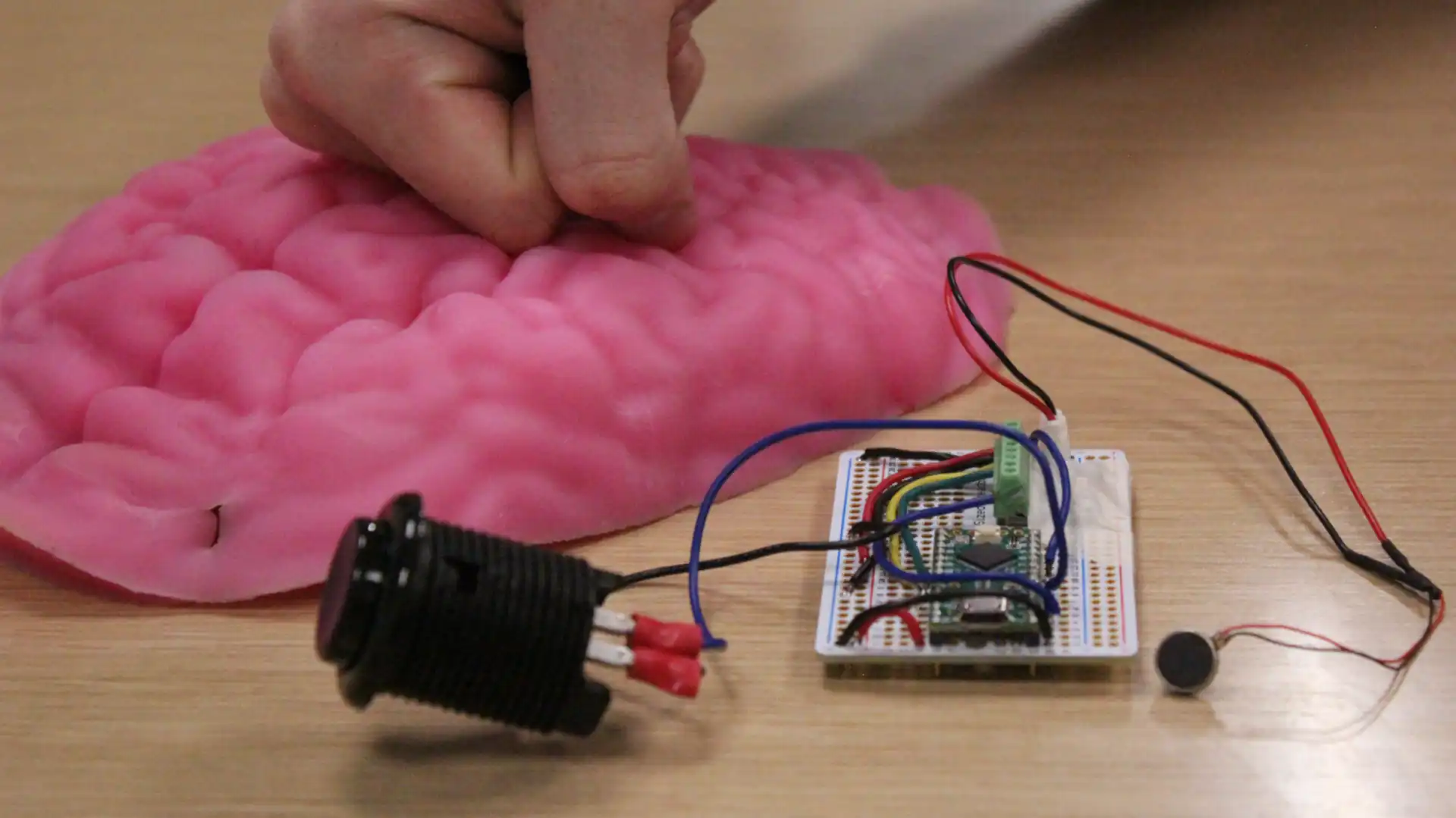
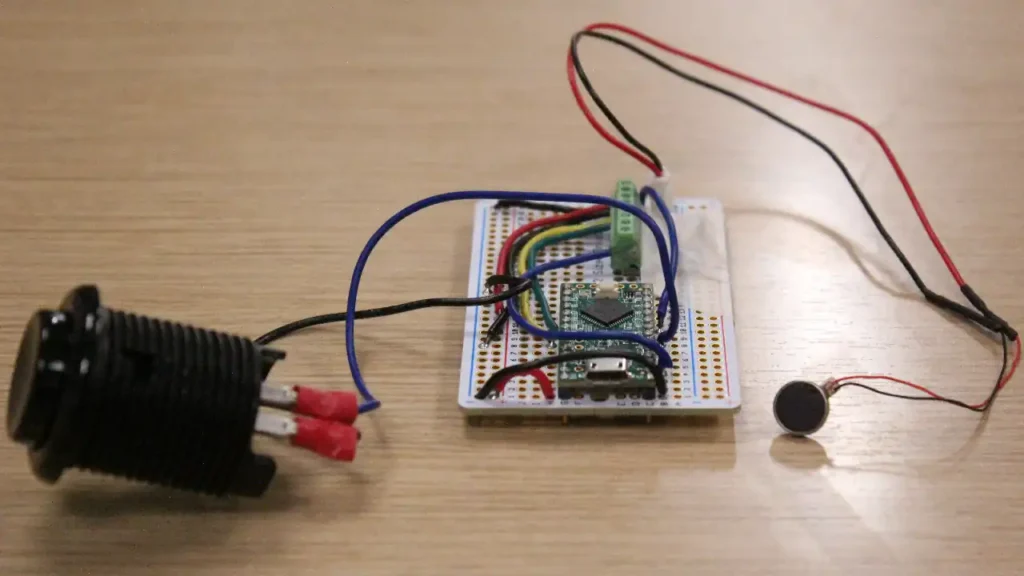
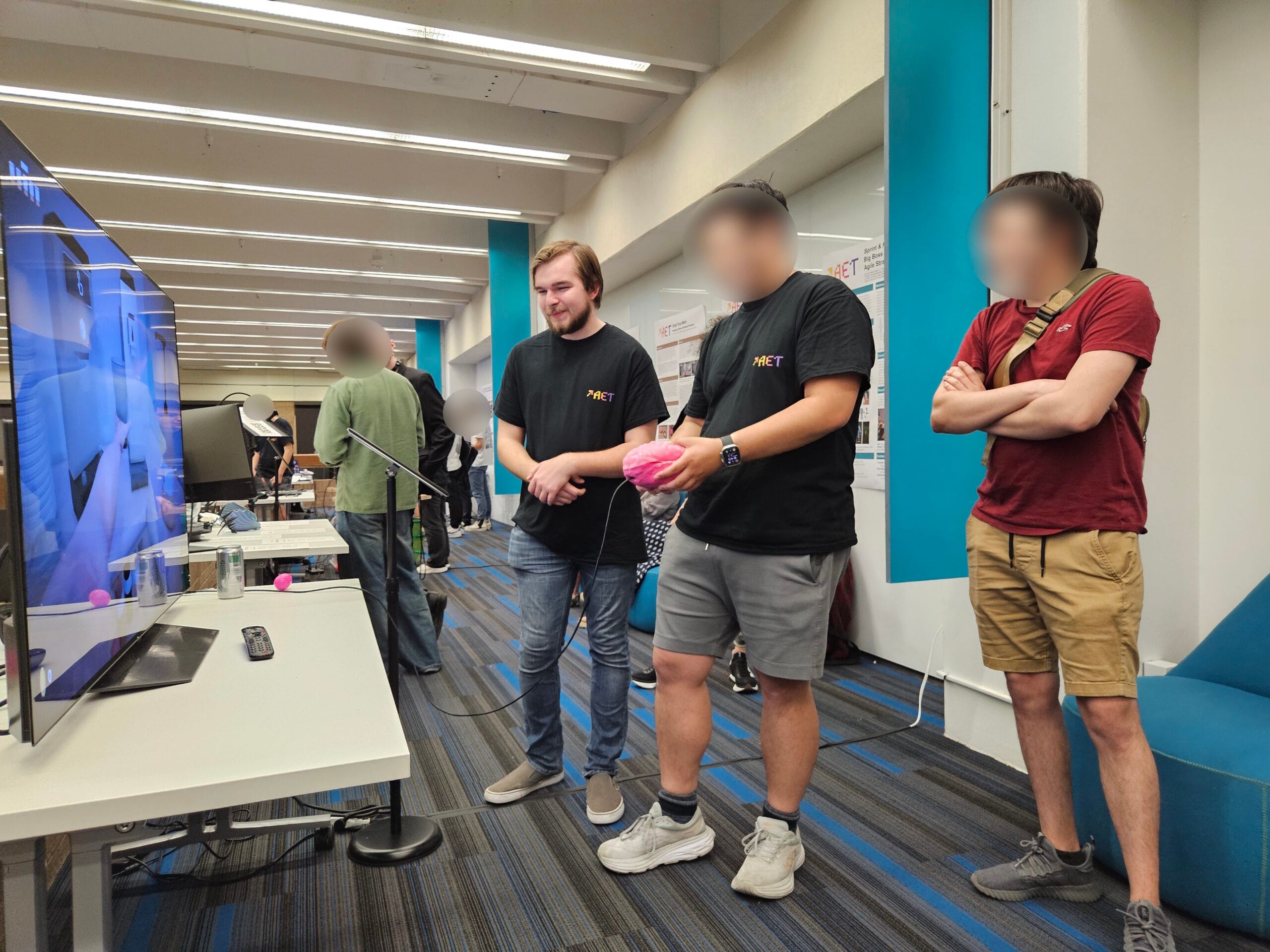
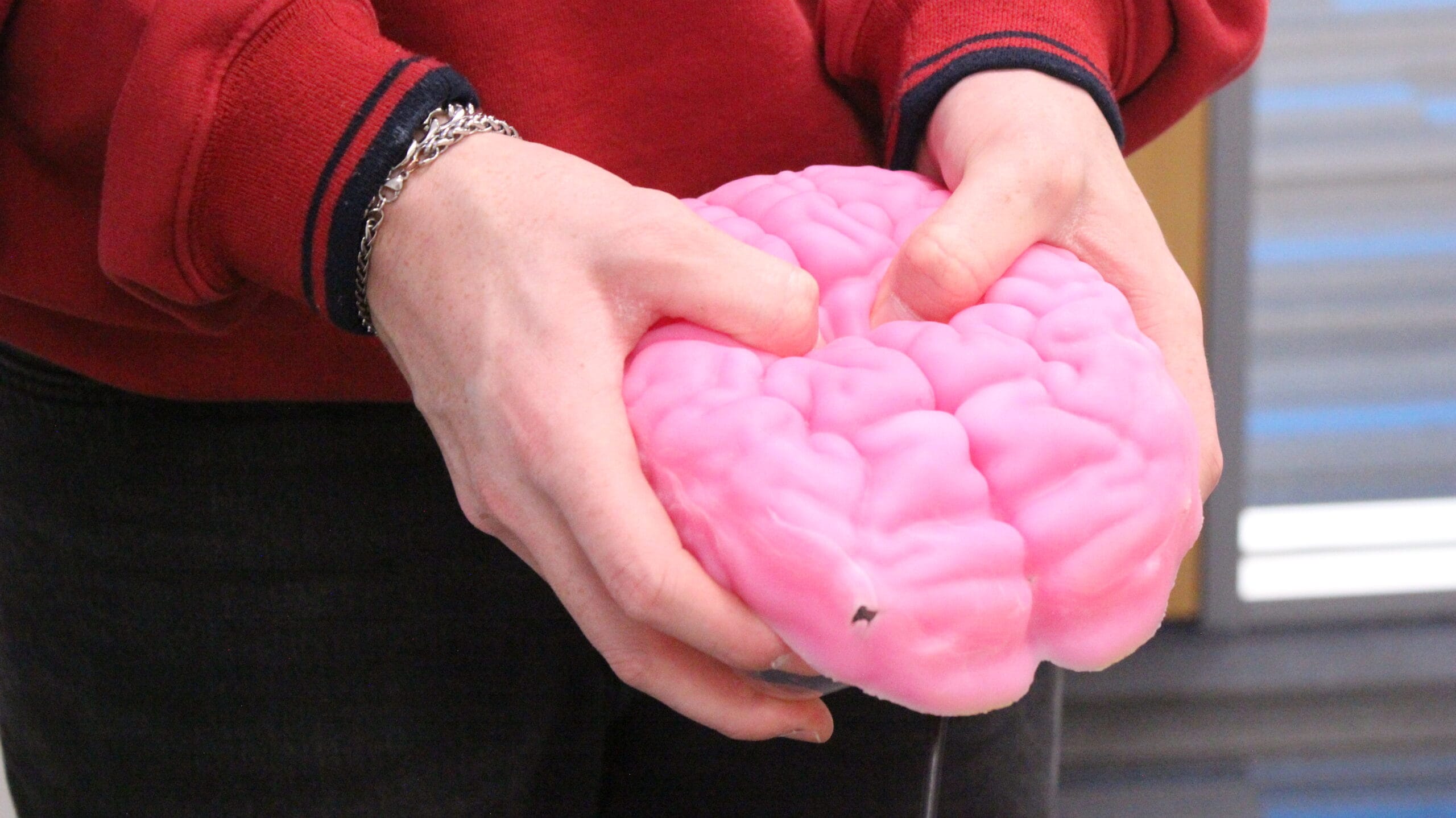
At the heart of our custom controller was an Arduino nano and an accelerometer. Custom software was written to read in the accelerometer’s data, apply a smoothing function, and read out the data over serial. This combined with a push button made up the control scheme.
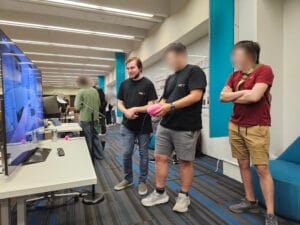
Our team experimented over different iterations for the controller’s shell. We opted for two separable pieces to allow easy access to the electronics inside. We poured a custom silicone molded brain for the top, and used molding clay for the bottom.
Development
While other members of my team began to create the controller, I started development on the game.
The movement was a very important part of the game, and especially with a physics based system, I wanted to get something functioning early so I could continue to iterate and improve it as we developed the controller and game further.


The system I designed had the player controlling a point rotating around a sphere, where an IK controlled arm would lock to the point. The base of the arm rotates towards the point, creating a springy, damping effect between the arm and the player’s control, while still maintaining a control point for interaction..
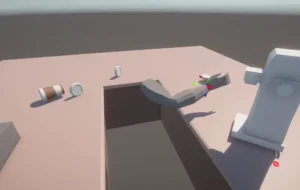
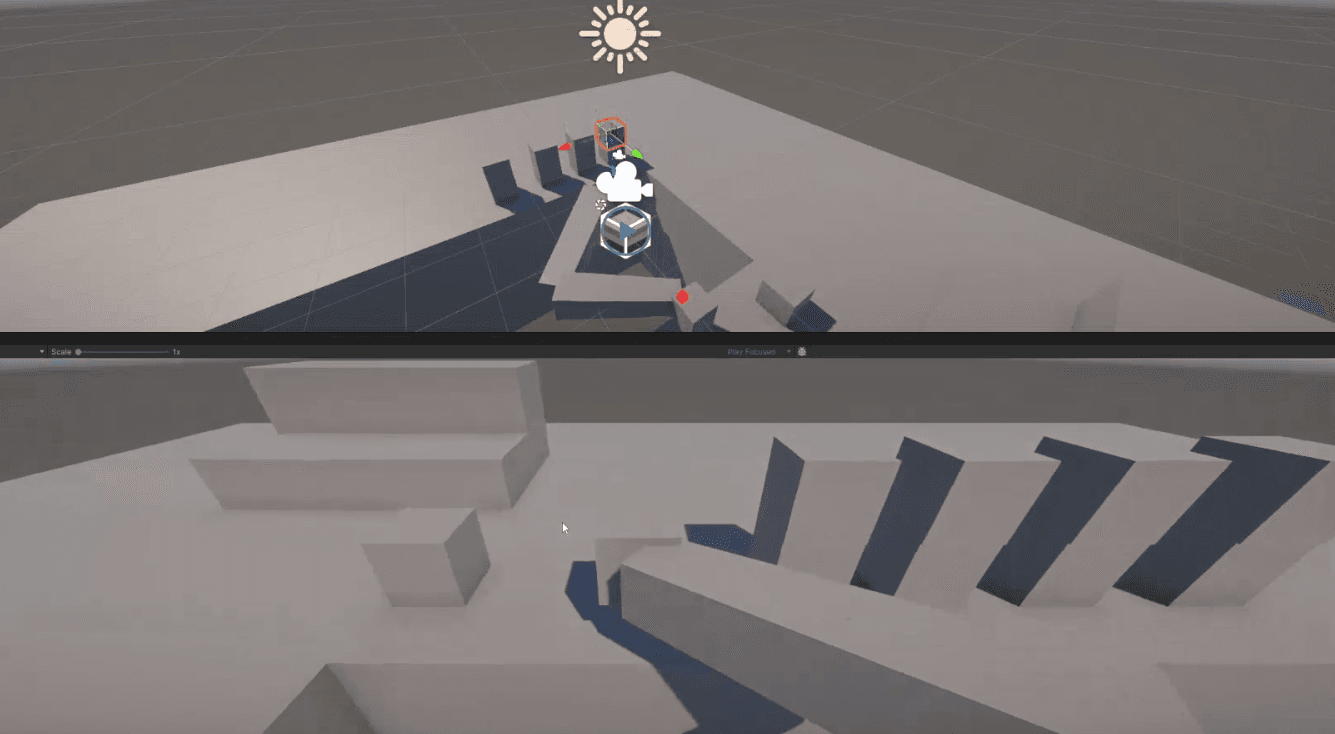

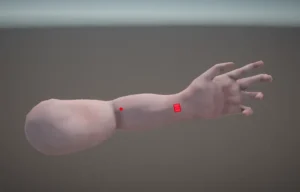
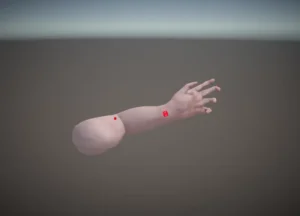
I took some time to create an overhauled mesh, rig, material, and basic animations to accompany the arm system, as well as cleaning up the code, to create the final iteration of the arm.
Arm Code
void FixedUpdate() {
        ...

        //Get user input
        float horizontalMovement = Input.GetAxis("Horizontal") * rotationSpeed * Time.deltaTime;
        float verticalMovement = Input.GetAxis("Vertical") * rotationSpeed * Time.deltaTime;
        //Increase velocity by user input.
        armTargetVelX += horizontalMovement;
        armTargetVelY += verticalMovement;
        //Alter arm target position by velocity.
        armTarget.position += gameManager.mainCamera.transform.right * armTargetVelX;
        armTarget.position += gameManager.mainCamera.transform.up * armTargetVelY;
        //Damp velocity
        armTargetVelX *= Mathf.Pow(armDampFactor, Time.deltaTime);
        armTargetVelY *= Mathf.Pow(armDampFactor, Time.deltaTime);
        //Fix the radius of armTarget
        Vector3 dir = armTarget.position - rigRoot.position;
        dir.Normalize();
        targetExt = 0.65f + ((1f - 0.65f) * Input.GetAxis("Grab_Action"));
        armExt = Mathf.Lerp(armExt, targetExt, 1f - Mathf.Pow(0.001f, Time.deltaTime));
        dir *= (armExt* radius);
        armTarget.position = rigRoot.position + dir;
        //Don't let the arm get too high
        if (armTarget.position.y > 1.5 || armTarget.position.y < -1.5)
        {
            armTarget.position = new Vector3(armTarget.position.x, Mathf.Clamp(armTarget.position.y, -1.5f, 1.5f), armTarget.position.z);
            armTargetVelY = 0;
        }
        //Move Hand Collider to arm target
        Vector3 handColliderTargetPos = armTarget.position + (gameManager.mainCamera.transform.forward * 1.5f);
        float velMultiplier = 4f;
        if (Input.GetAxis("Grab_Action") > 0)
        {
            if ((handColliderTargetPos - handCollider.position).magnitude > 0.1)
            {
                velMultiplier = 12f;
            }
        }
        handCollider.velocity = (handColliderTargetPos - handCollider.position) * velMultiplier;
        handCollider.rotation = transform.rotation;
        //Set IKRig to collider
        rigTarget.position = handCollider.position - (gameManager.mainCamera.transform.forward * 1.5f);

        //Slowly turn towards arm target.
        Vector3 lookdir = rigTarget.position - transform.position;
        Quaternion toRotation = Quaternion.LookRotation(lookdir, Vector3.up);
        transform.rotation = Quaternion.Lerp(transform.rotation, toRotation, 1 - Mathf.Pow(0.01f, Time.deltaTime));

        ...
}
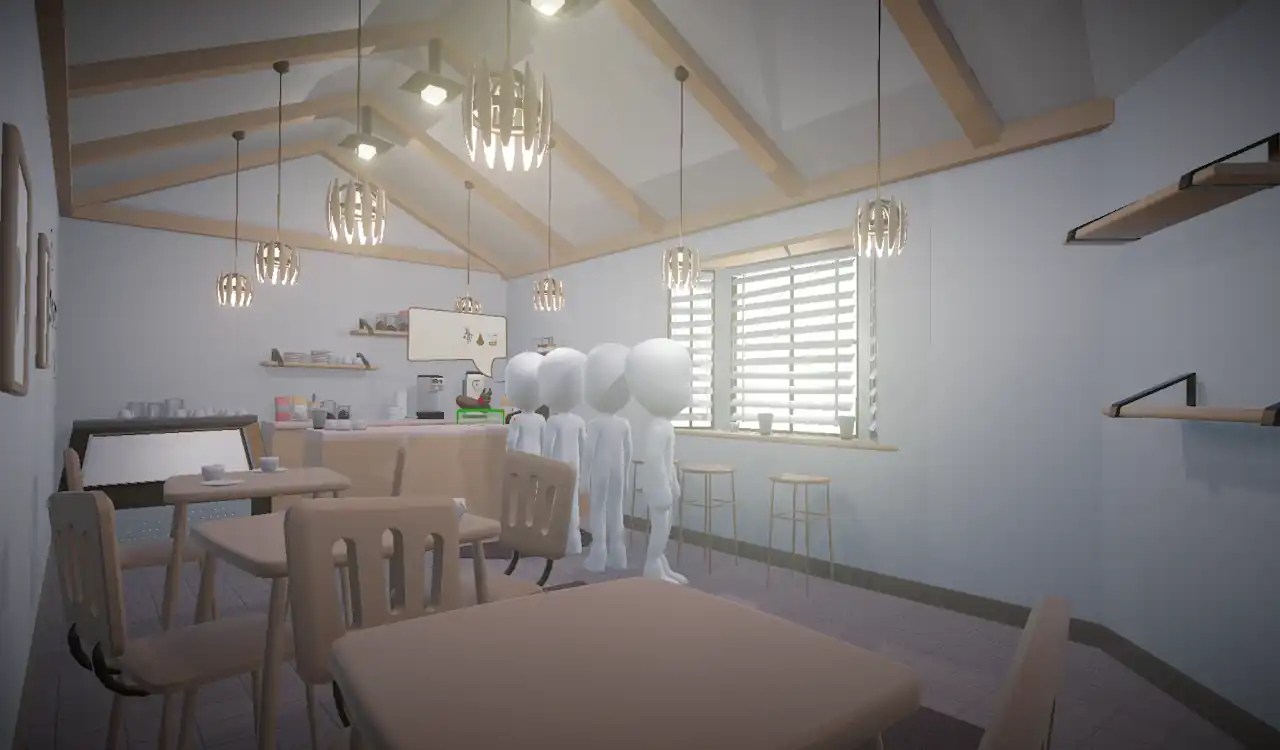
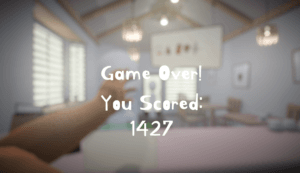
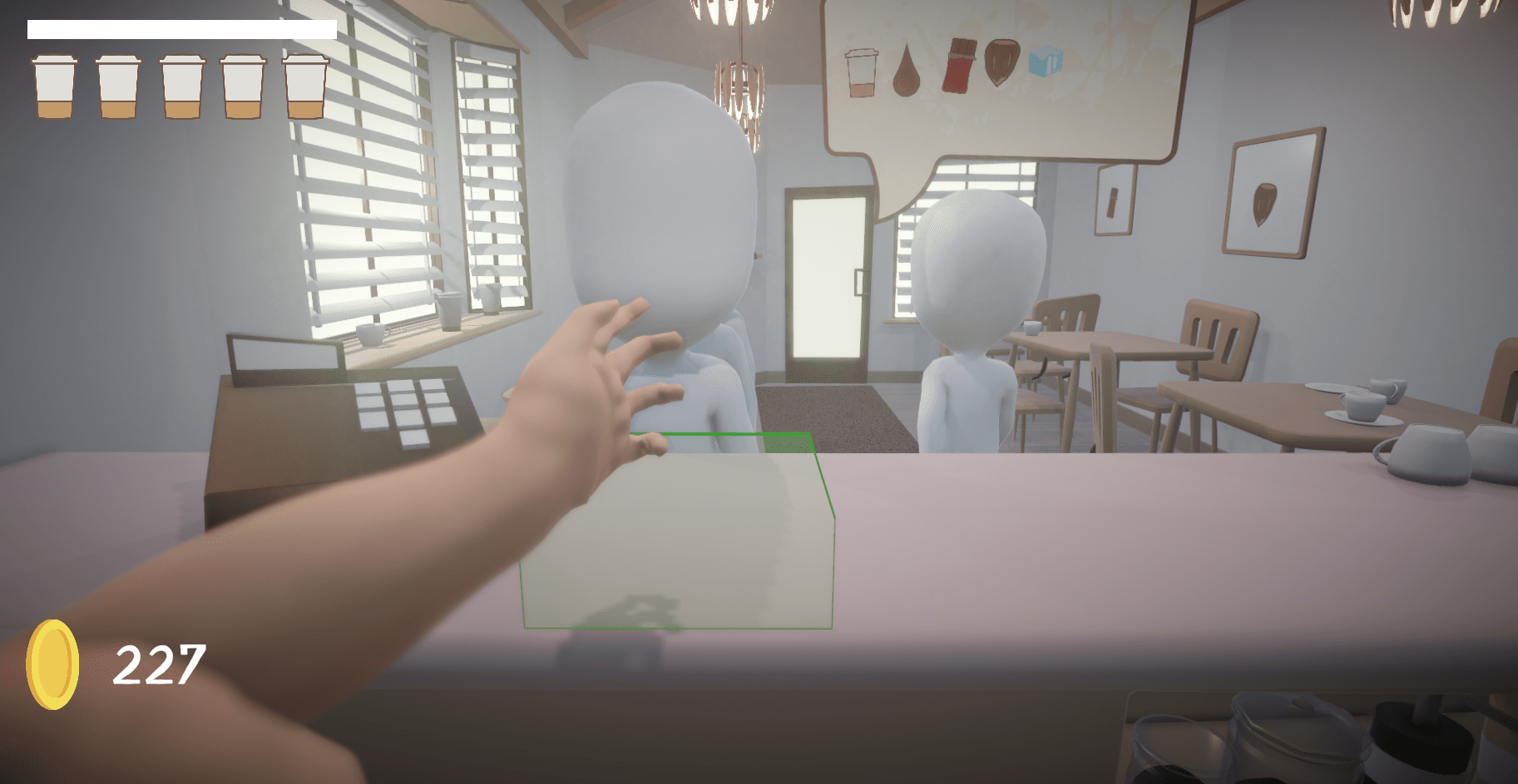
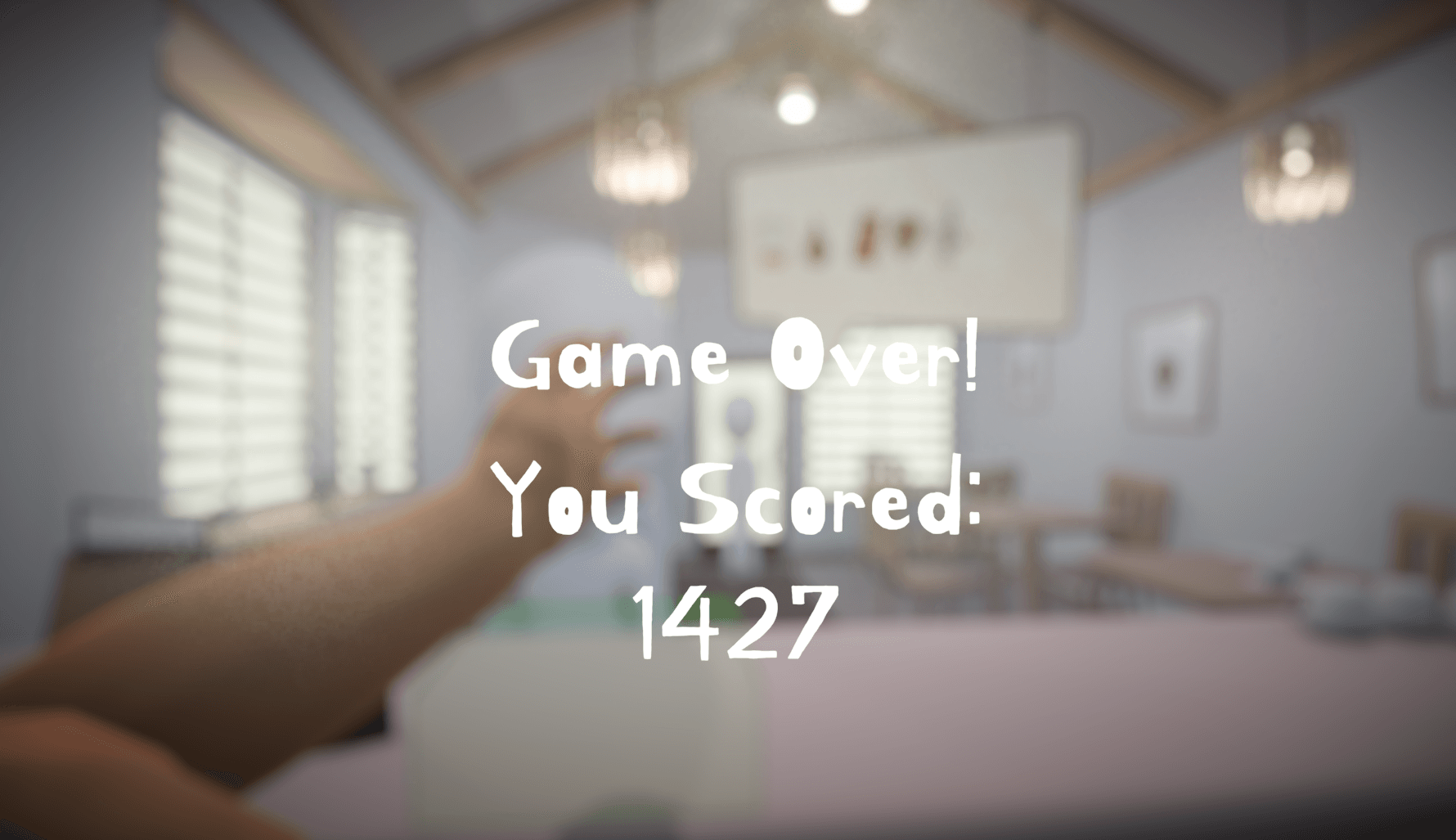
Now that I had the main character controller prepared, I was able to start working on the rest of the game. The core loop consists of an endless string of customers coming in and placing randomly generated coffee orders. The quicker you deliver orders, the more points you receive for them. After a certain amount of time, or mistakes, the game ends and you have your final score.
In order to show orders and clearly show what is in each cup, I created a billboard UI with quickly identifiable symbols for each of the ingredients.
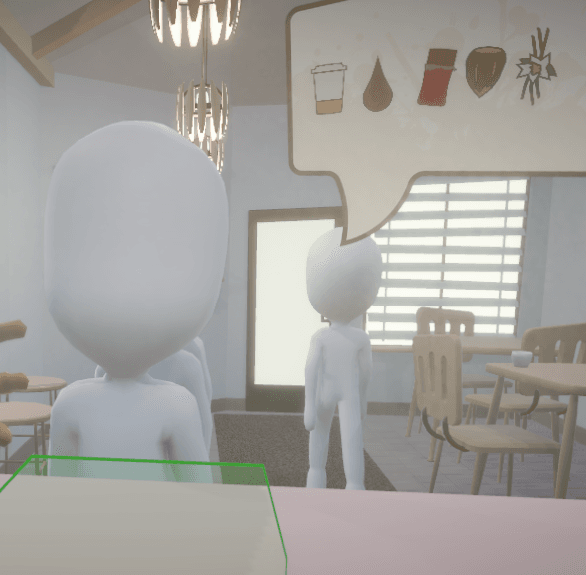
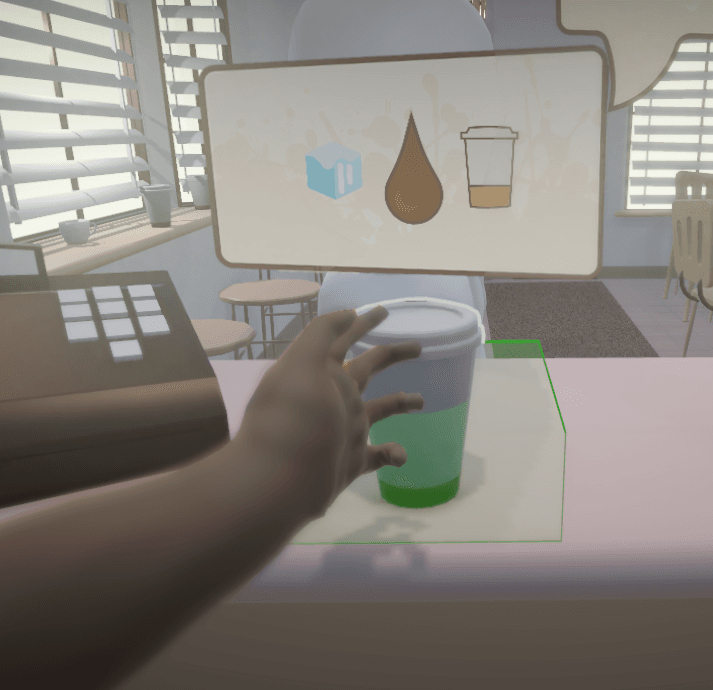
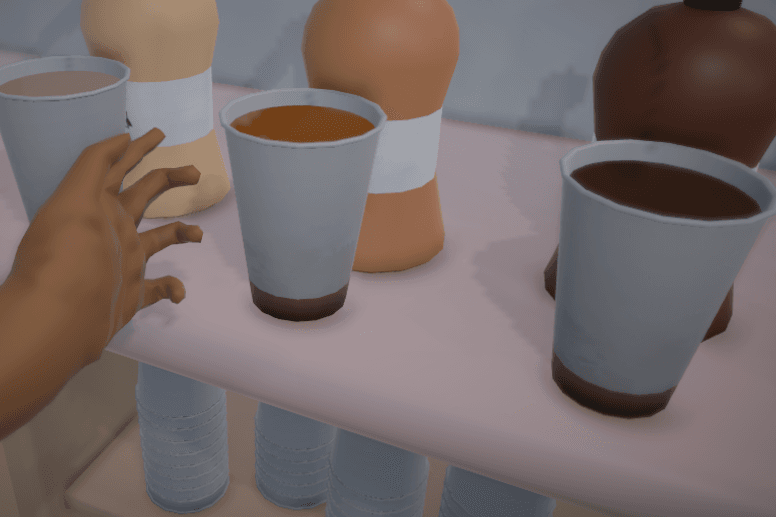
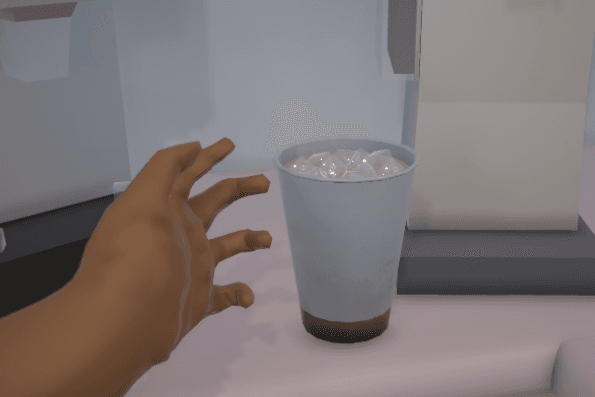
I also created a cup object that can display different ingredients, and change dynamically change colors based on the syrups inside of it. (Fun Fact: The cup lid is treated as an ingredient in the game code, though this is obfuscated from the player.)
Coffee.CS
using System.Collections;
using System.Collections.Generic;
using Unity.VisualScripting;
using UnityEngine;

public class Coffee : MonoBehaviour
{
    public Billboard billboard;
    public Grab cup;
    public Vector3 billboardOffset;
    private bool lastBillboard = false;
    private bool needsUpdate = false;
    public float spriteSize = 0.5f;
    public bool billboardSpawned = false;
    public bool hasLid = false;
    public GameObject lidObject;
    public  GameObject liquidObject;
    public GameObject iceObject;
    private float _height;
    private Color _color;

    //Adjust the height in the coffee liquid shader
    public float Height
    {
        get { return _height; }
        set
        {
            if (liquidObject != null)
            {
                liquidObject.GetComponent<Renderer>().material.SetFloat("_Height", _height);
            }
            _height = value;
        }
    }
    //Adjust the color in the coffee liquid shader
    public Color CoffeeColor
    {
        get { return _color; }
        set
        {
            if (lidObject != null)
            {
                liquidObject.GetComponent<Renderer>().material.SetColor("_CoffeeColor", value);
            }
            _color = value;
        }
    }

    //List of potential ingredients.
    public CoffeeProperty[] properties =
    {
        new CoffeeProperty("cup", "Textures/Icons/ToastIcons/cup", true),
        new CoffeeProperty("coffee", "Textures/Icons/ToastIcons/coffee", false),
        new CoffeeProperty("chocolate", "Textures/Icons/ToastIcons/chocolate", false),
        new CoffeeProperty("vanilla", "Textures/Icons/ToastIcons/vanilla", false),
        new CoffeeProperty("hazlenut", "Textures/Icons/ToastIcons/hazlenut", false),
        new CoffeeProperty("ice", "Textures/Icons/ToastIcons/ice", false)
    };

    //Add the lid visual
    public void addLid()
    {
        hasLid = true;
        lidObject.SetActive(true);
    }

    //Test if an ingredient is in the coffee
    public bool testProperty(string pname, bool tvalue)
    {
        foreach (var p in properties)
        {
            if (p.name == pname)
            {
                if (p.enabled == tvalue)
                {
                    return true;
                }
            }
        }
        return false;
    }

    //Set an ingredient in the coffee
    public void setProperty(string pname, bool svalue)
    {
        foreach (var p in properties)
        {
            if (p.name == pname)
            {
                p.enabled = svalue;
            }
        }
        //Set the lid visual
        if (pname == "ice")
        {
            iceObject.SetActive(svalue);
        }
    }

    void Start()
    {
        lidObject.SetActive(false);
        //cup starts empty and no ice
        liquidObject.GetComponent<Renderer>().material.SetFloat("_Height", -1f);
        iceObject.SetActive(false);
    }

    //creates the billboard UI based on property ingredient list
    public void spawnBillboard()
    {
        billboardSpawned = true;
        foreach (var property in properties)
        {
            property.spriteObject = new GameObject();
            SpriteRenderer spriteRenderer = property.spriteObject.AddComponent<SpriteRenderer>();
            spriteRenderer.sprite = Resources.Load<Sprite>(property.spriteLocation);
            Transform t = property.spriteObject.transform;
            t.SetParent(billboard.transform);
            t.localPosition = Vector3.zero;
            t.localScale = new Vector3(0.3f, 0.3f, 0.3f);
            property.spriteObject.name = property.name;
        }
    }
    public void setBillboardOffset()
    {
        billboardOffset = billboard.transform.position - cup.transform.position;
    }
    //updates the billboard based on ingredients
    void updateBilboard()
    {
        if (billboardSpawned)
        {
            float activeProps = 0;
            foreach (var property in properties)
            {
                if (property.enabled)
                {
                    activeProps += 1f;
                    property.spriteObject.SetActive(true);
                }
                else
                {
                    property.spriteObject.SetActive(false);
                }
            }

            float cnt = 0;
            //dynamic positioning for the billboard sprites.
            foreach (var property in properties)
            {
                if (property.enabled)
                {
                    Transform t = property.spriteObject.transform;
                    Bounds bbBounds = billboard.mainSprite.bounds;
                    t.position = bbBounds.center;
                    t.position -= billboard.transform.right * (spriteSize * (activeProps - 1f) * 0.5f);
                    t.position += billboard.transform.right * (spriteSize * cnt);
                    //t.position += billboard.transform.up * (0.25f);
                    cnt += 1f;
                }
            }
        }
    }
    // Update is called once per frame
    void LateUpdate()
    {
        //only update the billbopard when needed
        if ((cup.highlighted && !cup.grabbed) != (lastBillboard))
        {
            needsUpdate = true;
        }
        if (needsUpdate)
        {
            updateBilboard();
            needsUpdate = false;
        }
        billboard.gameObject.SetActive(cup.highlighted && !cup.grabbed);
        billboard.transform.position = cup.transform.position + billboardOffset;
        lastBillboard = cup.highlighted && !cup.grabbed;
    }
}
Game Art
Because of our team size, along with the programming, I was also charged with creating all the 2D visuals and a lot of the 3D models. While I didn’t create all the models, here are some of the one’s I made.
Clutter: Cups, Plates, Jars, Bags, Coffee
Furniture: Tables, Shelves, Chairs, Stools, Lamps, Paintings
Architecture: Doors, Windows, Walls, Framing
Interactables: Coffee Cups, Lids, Syrup Dispenser
Characters: Animated Player Arm, Customer NPC
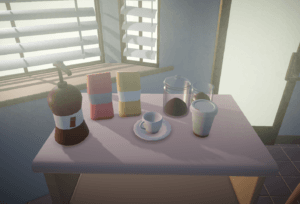
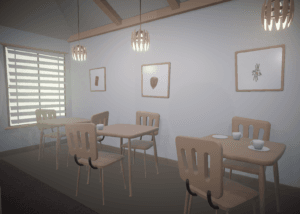
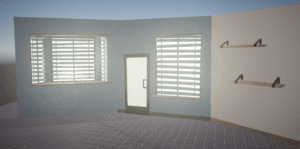
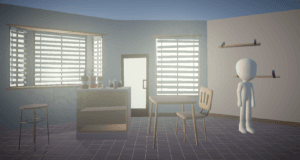
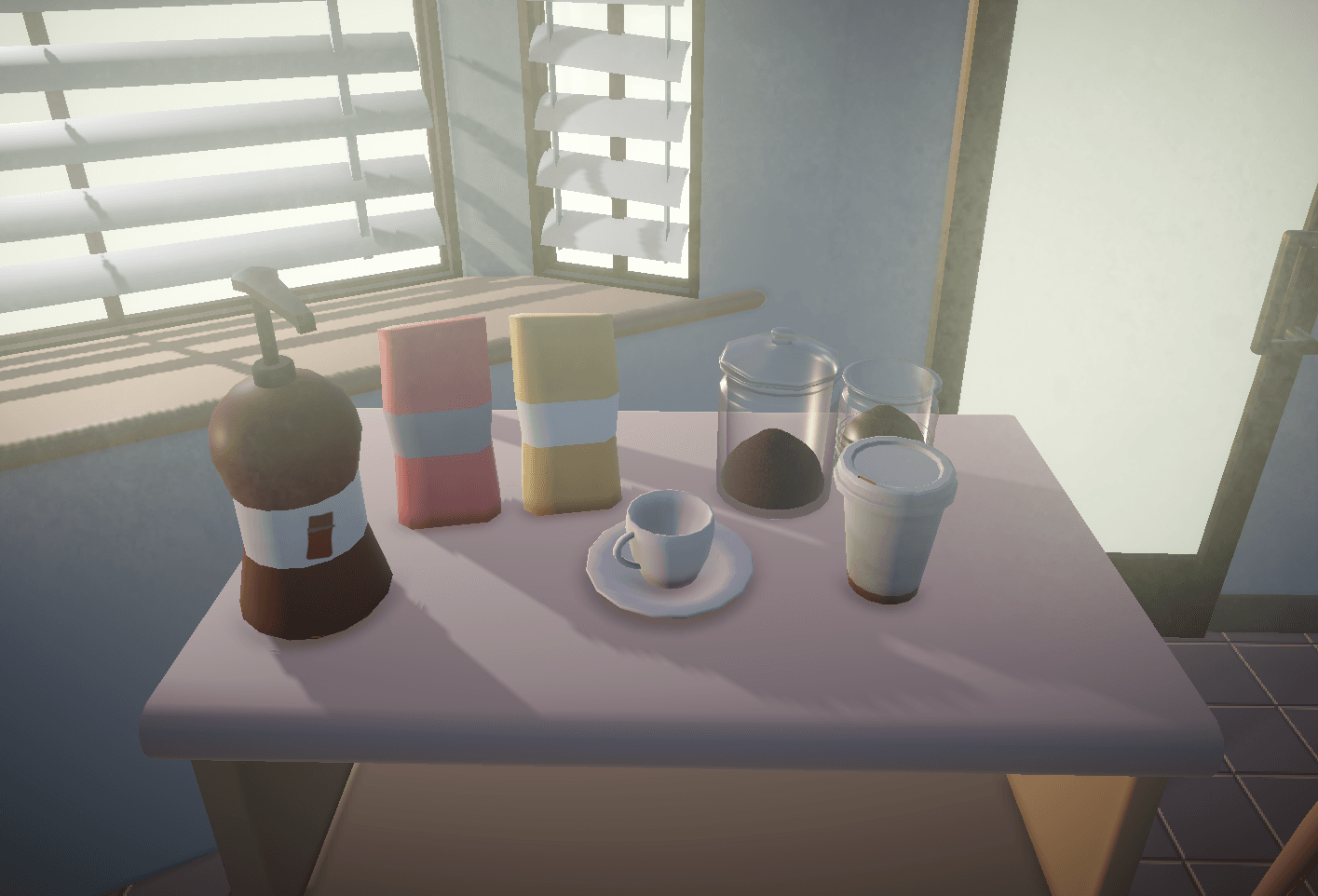
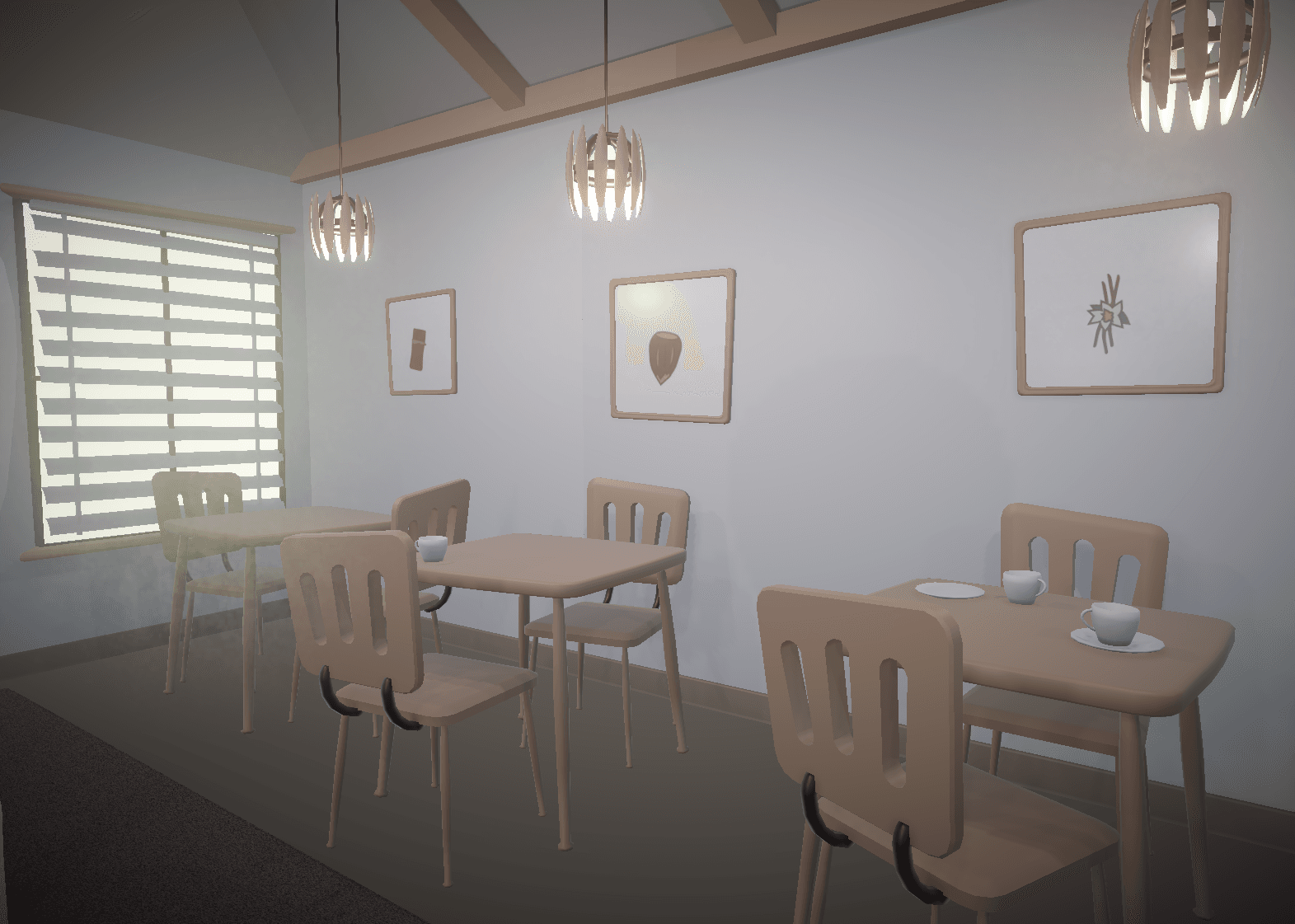
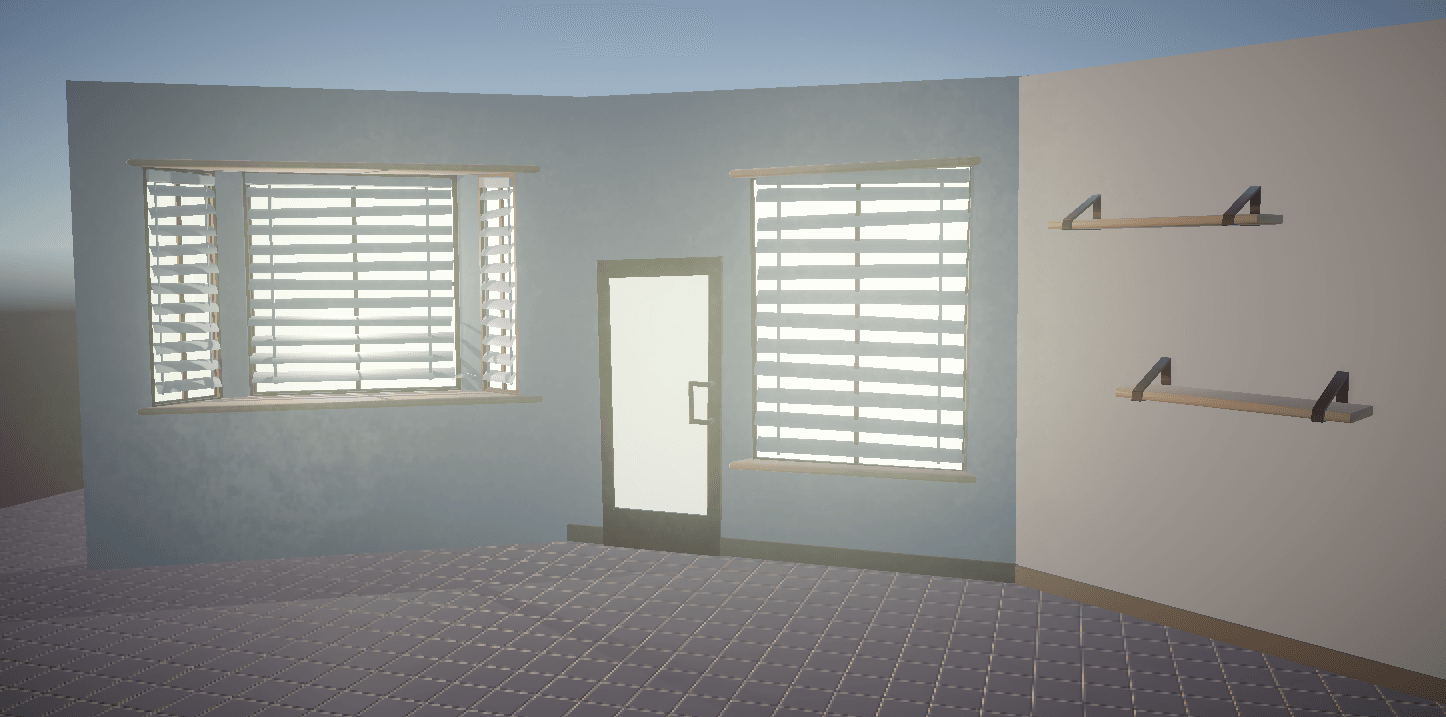
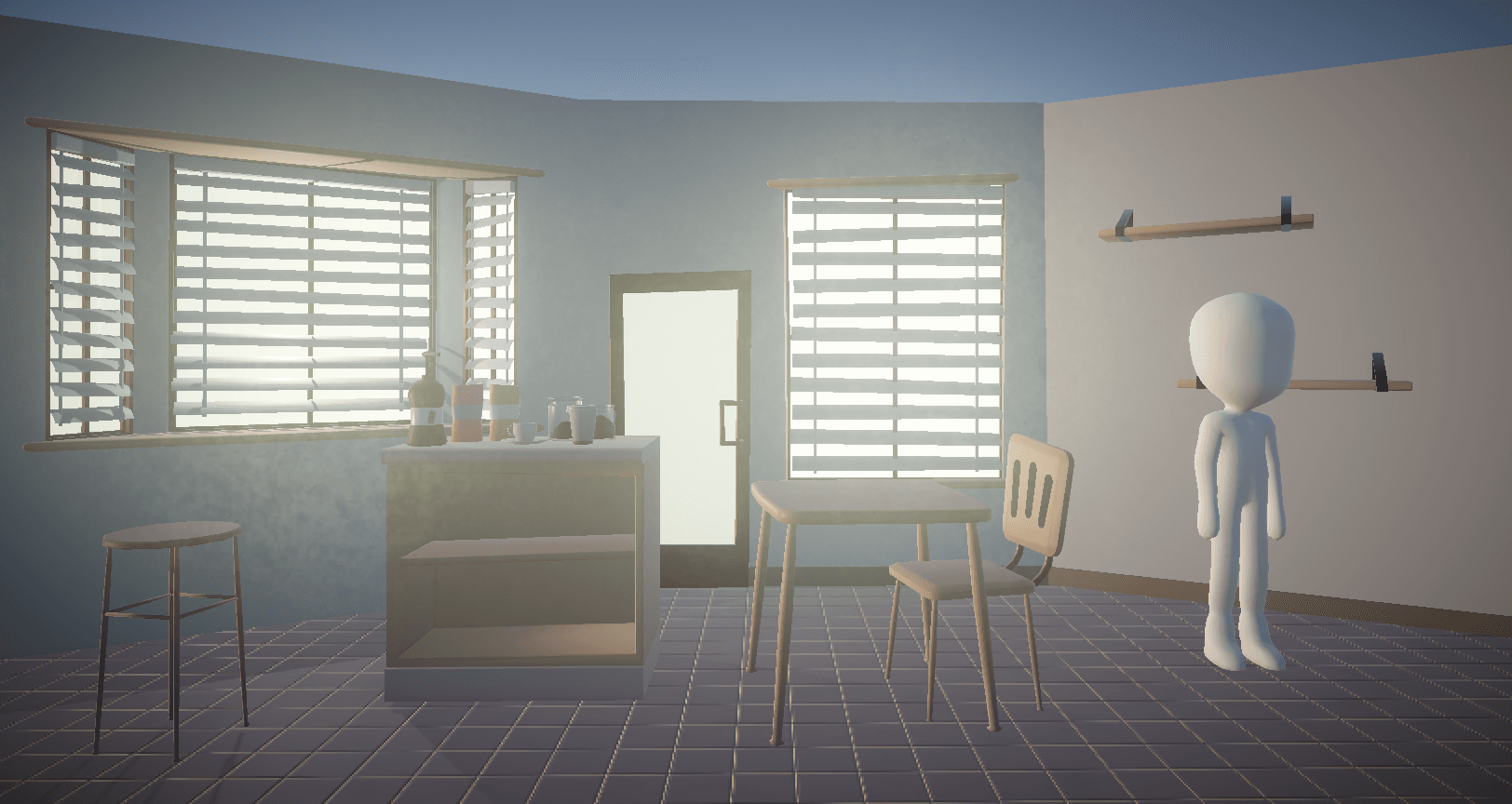
Before this project, I did not have a lot of experience with stylized modeling. The visual style went through many iterations and refinement throughout development. I got the chance to experiment with unrealistic proportions and askew lines, compare the window and door before and after stylizing:
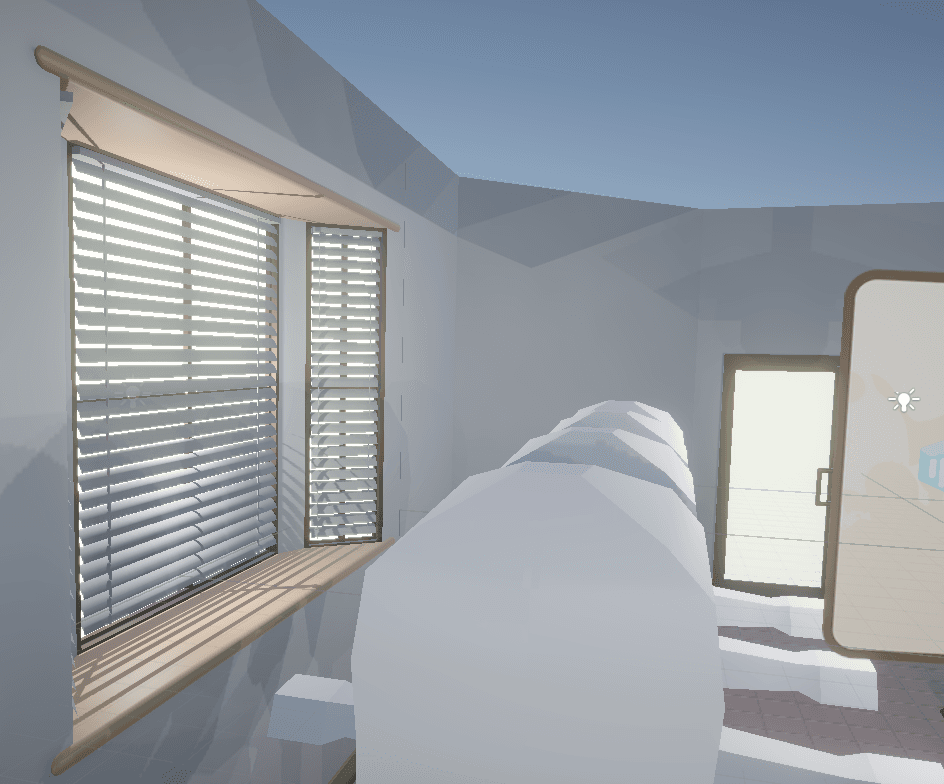
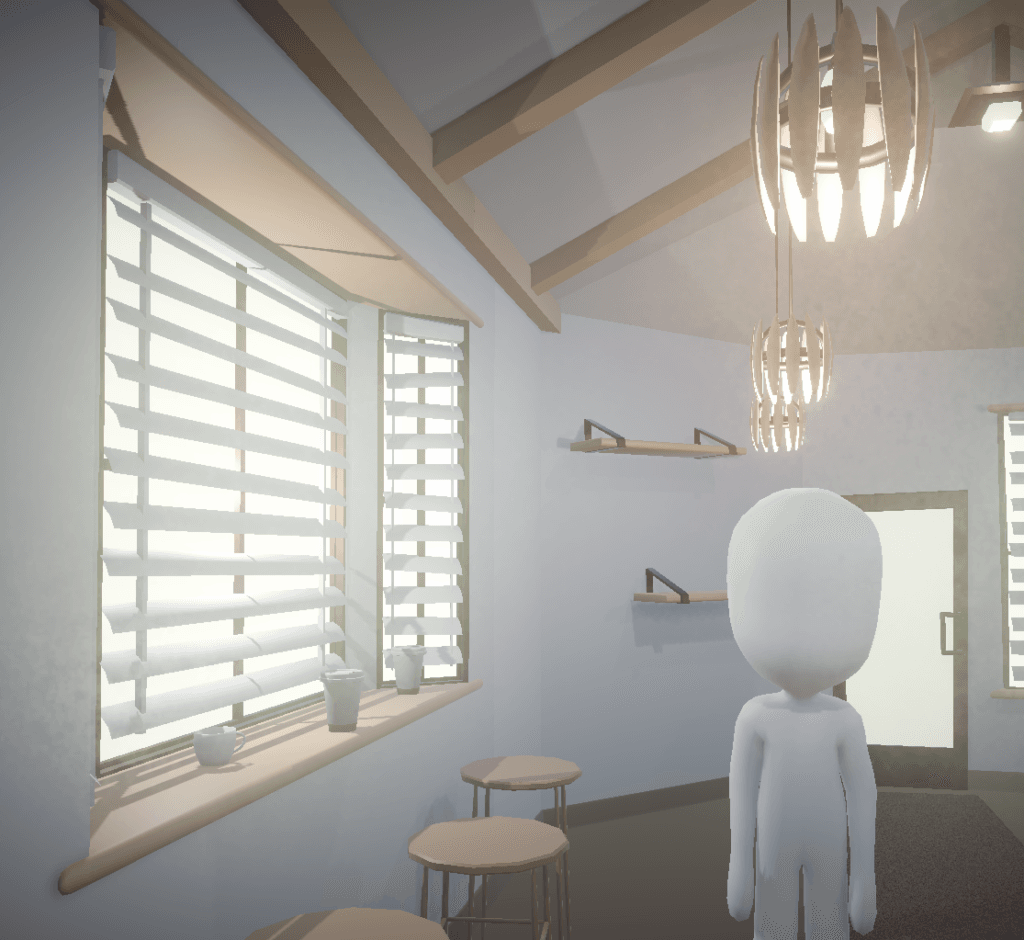
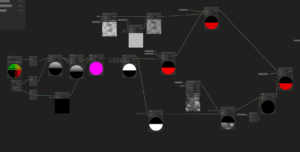
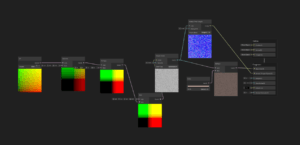
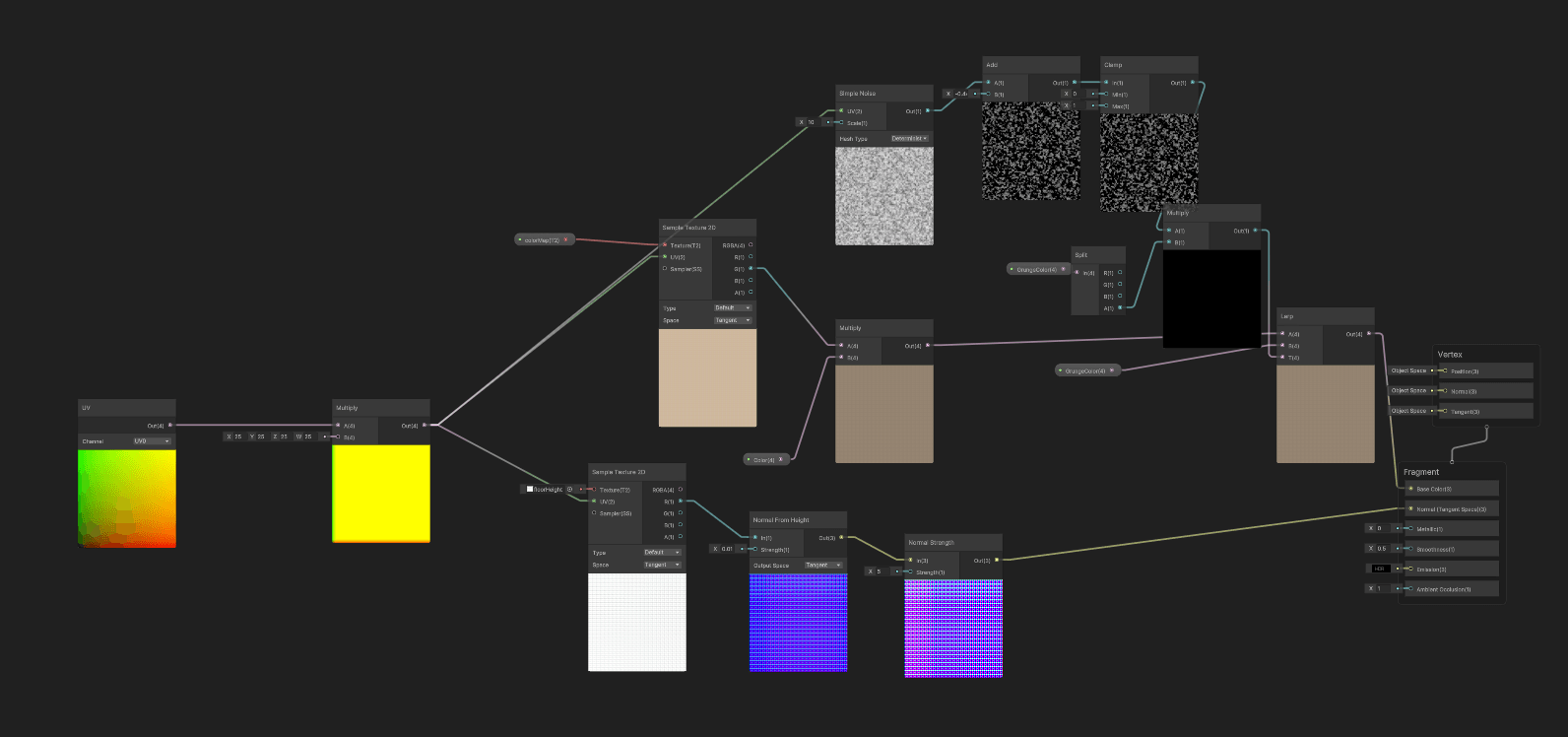
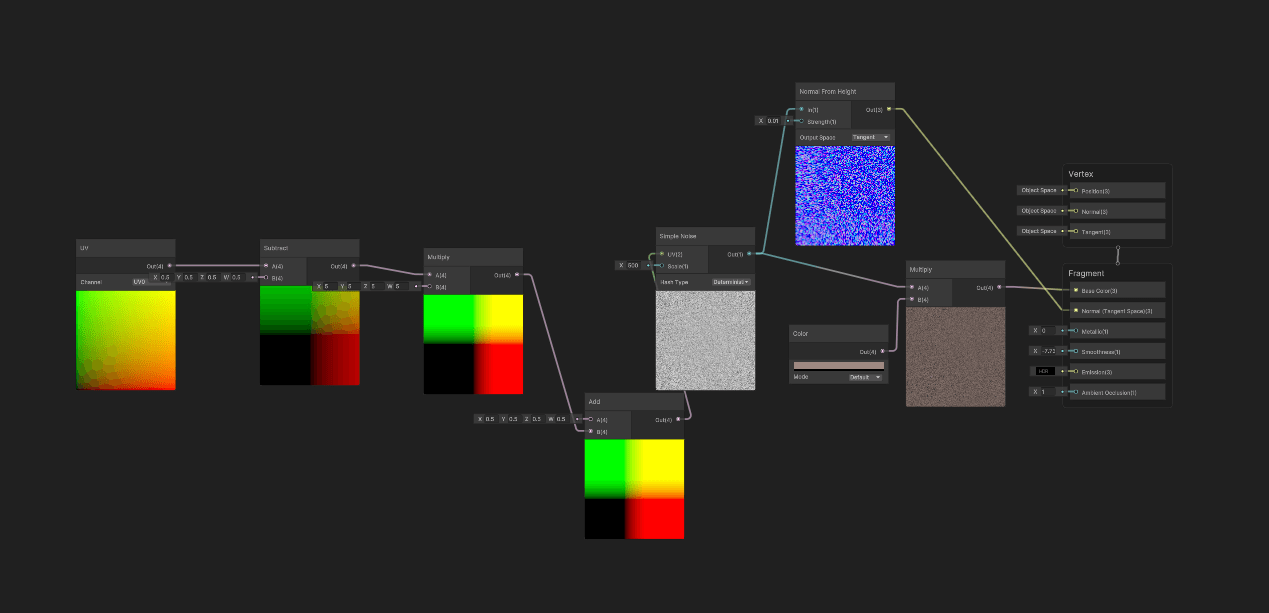
Throughout the project I also used different shaders to enhance some of the visual effects. To avoid the work and time of manually texturing a lot of the models, I created a custom shader that created a vertical gradient and dynamically applied grunge.
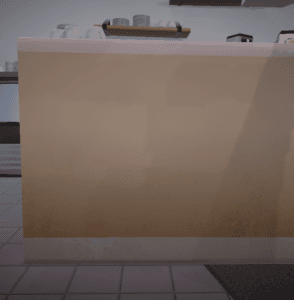
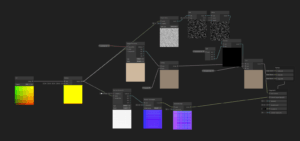
I also created shaders for dynamic materials for objects like the floor or carpet.
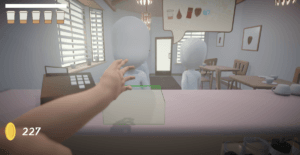
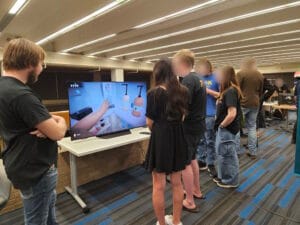
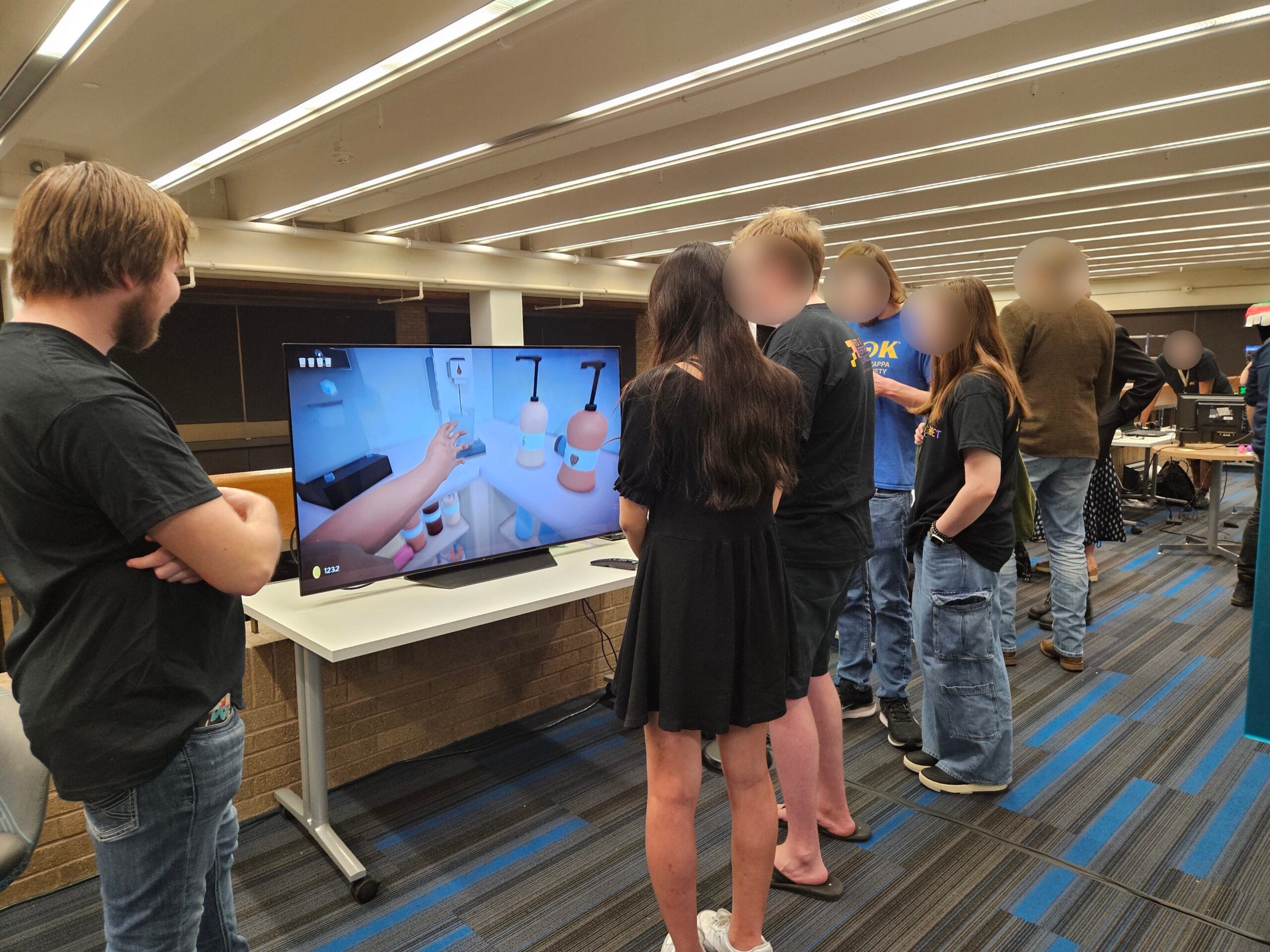
With a few more visual tweaks, animations, and polish. (And a quick tutorial) The game was ready to be played. We had to adjust a few things regarding the difficulty, as some people found the time restraints too punishing as they were adjusting to the motion controls.
Gallery & Results…
Leave a Reply